

What do you want to listen to?
Reloadium Podcasts uses AI to generate custom documentary podcast series on any topic — complete with audio narration by two AI voices, full transcripts, historical timelines, key facts, quizzes, and character perspectives.
Enter a topic, paste a URL, or upload a document (PDF, TXT, or Markdown) — and in seconds you'll have a multi-episode series ready to explore, with interactive learning materials for every episode.
Screenshots
App Screenshots
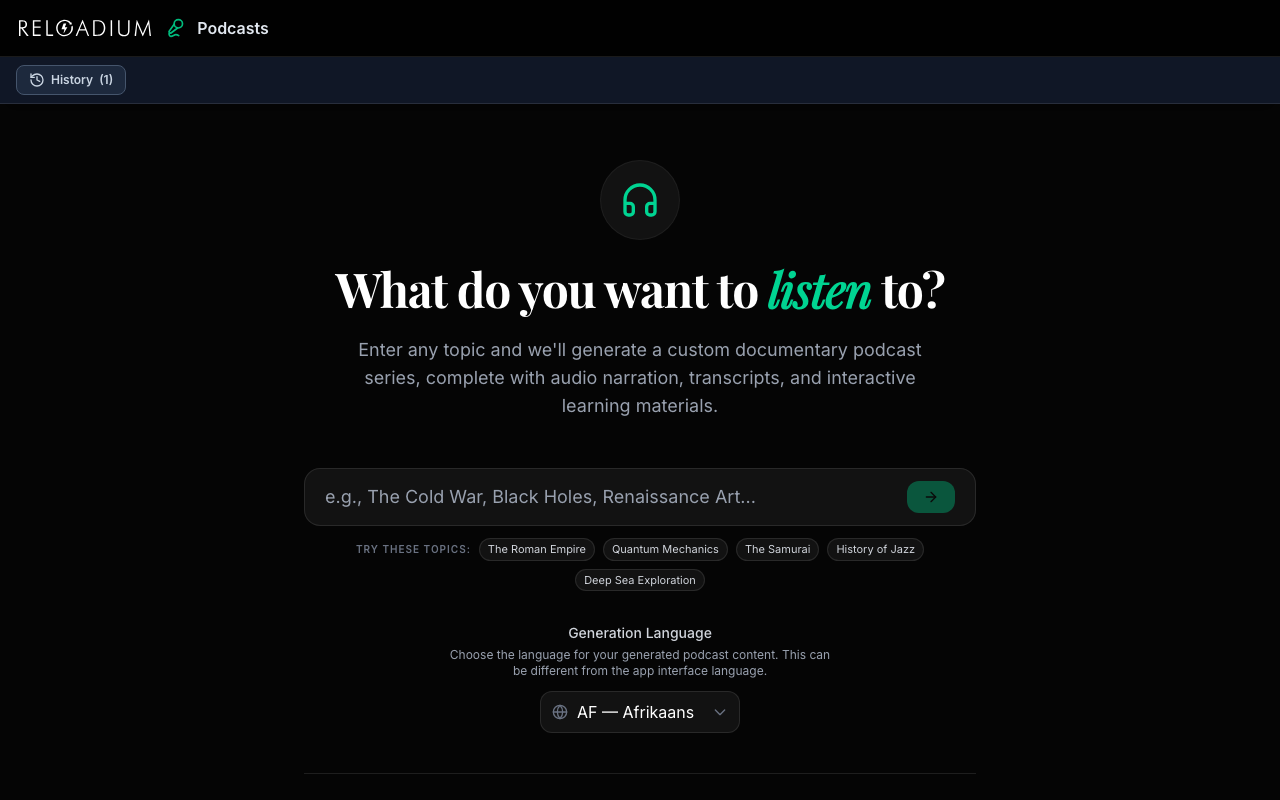
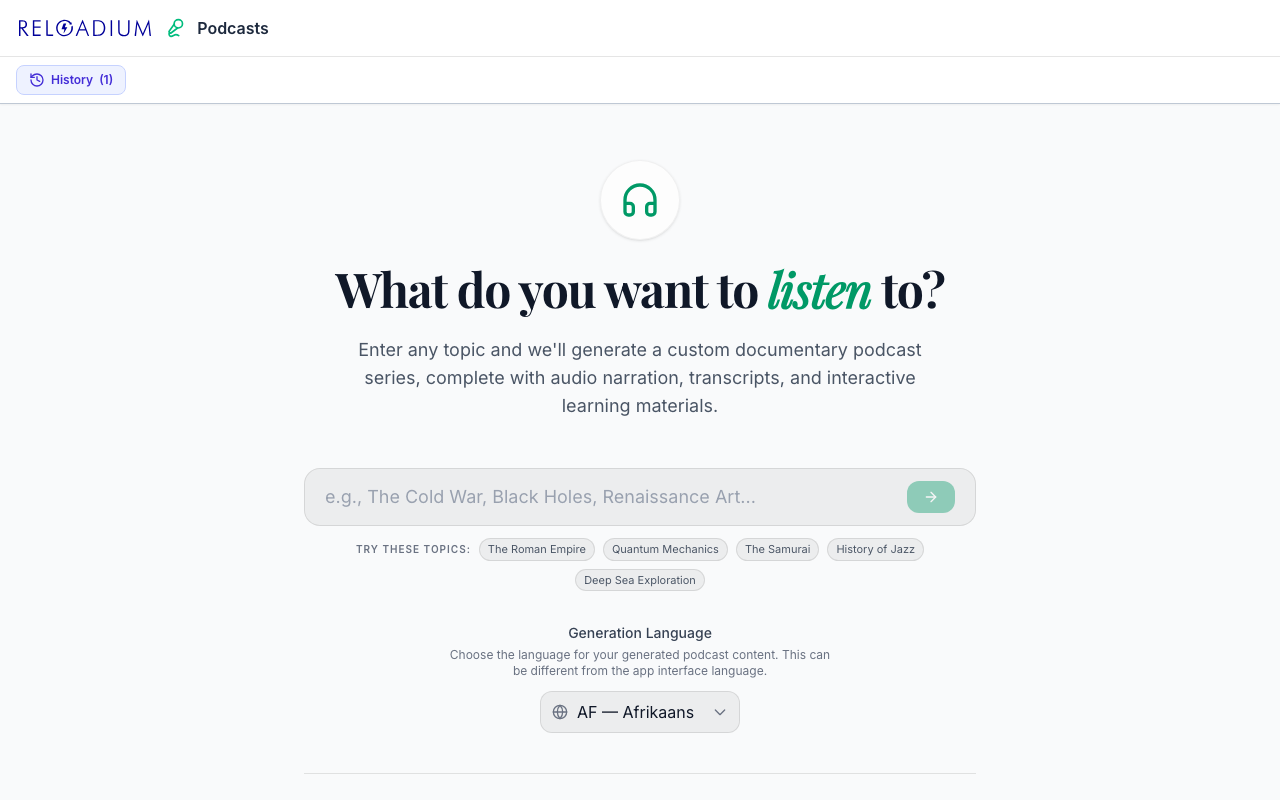
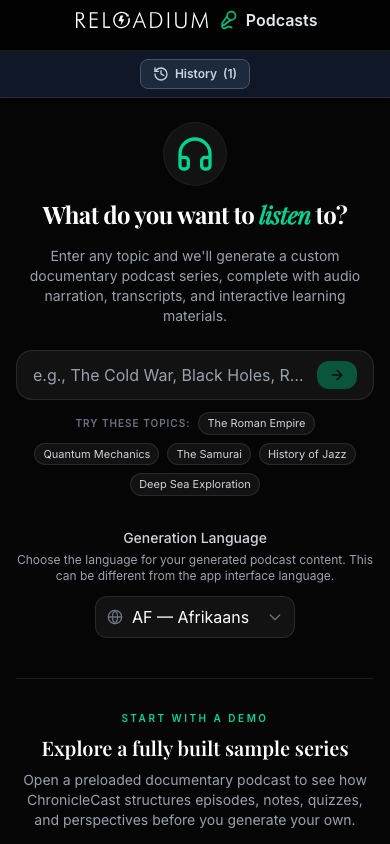
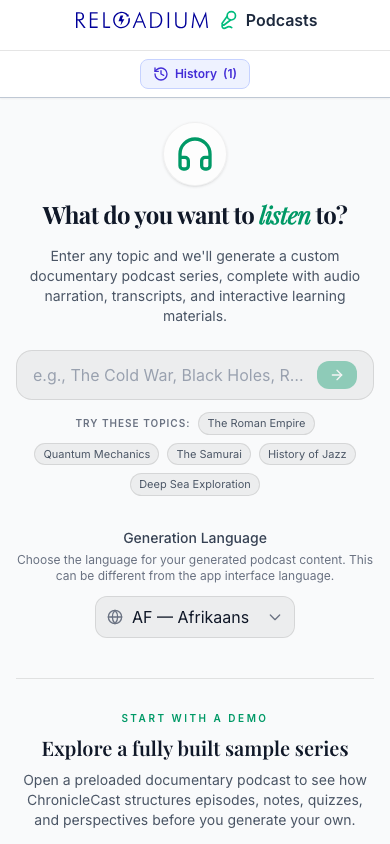
Key Features
Built-in Agentic AI Assistant
Every Reloadium app comes with a built-in agentic AI assistant. It can perform any task the app offers — just describe what you want in plain language. Attach images or documents, keep a persistent conversation history, and let the AI act on your behalf — no extra setup required.
AI Audio Narration
Two-voice TTS narration (Alex & Sam) brings every episode to life as a real back-and-forth podcast conversation.
Persistent Background Player
Audio keeps playing while you browse — a mini-player bar stays visible so you can control playback without leaving your current view.
Auto-Play Next Episode
When an episode ends, the next one starts automatically so your series plays through like a real podcast feed.
Full Episode Scripts
Each episode comes with a complete transcript featuring a hook, rising narrative tension, and a conclusion.
Historical Timelines
Key events are organized in a timeline for every episode, giving you the broader context of each story.
Quizzes & Key Facts
Test your understanding with a 3-question multiple choice quiz and a curated list of key facts per episode.
Generate from any URL
Paste a link to an article, blog post, or webpage and get a full podcast series based on its content — no copy-paste needed.
Generate from Documents
Upload a PDF, TXT, or Markdown file and get a full podcast series based on its content — perfect for research papers, reports, documentation, and notes.
Export in Multiple Formats
Download your series as JSON for data use, Markdown for notes and publishing, or a ZIP bundle with audio files and a built-in HTML player.
Animated Chat MP4 Export
Export any episode as a canvas-rendered chat bubble video — speech bubbles appear frame-by-frame in sync with the audio. Choose 16:9 (YouTube) or 9:16 (Stories/Reels) format.
Episode Cover Art
Every episode gets a branded cover canvas with the podcast title, episode title, and speaker icons. Download as a still image in 16:9 or 9:16, with 7 color tints to match your style.
AI Speech Alignment
Reloadium uses Gemini 2.5 Pro to listen to the episode audio and pinpoint the exact start and end time for each line of dialogue — powering frame-accurate chat animations.
Fully Responsive
Works on any device — phone, tablet, or desktop. The layout adapts so you can browse episodes and listen on the go.
Multilingual Support
Generate entire series in any of 60+ languages — scripts, audio, quizzes, and timelines all generated in your chosen language.
Cross-App Handoff
Receive content directly from other Reloadium apps — News press reviews, Recipes, Events Map exports, Investigations, and Debates all flow into Podcasts with one click. No copy-paste needed.
And Many More
Character perspectives, key facts, offline caching, dark mode, history management, and more — all included out of the box.
How It Works
-
1
Enter a Topic, URL, or Document
Type any subject, paste a link to an article, blog post, or company page, or upload a PDF, TXT, or Markdown file — Reloadium Podcasts generates a full series outline from any of them.
-
2
Browse & Generate Episodes
Select any episode to generate its script, timeline, key facts, quiz, and character perspectives. Generate all at once or one at a time.
-
3
Listen & Learn
Generate audio narration for any episode and listen to a two-voice AI podcast conversation. Audio plays in the background while you browse.
-
4
Export & Share
Download your series as JSON, Markdown, or a ZIP with audio files and a standalone HTML player — ready to share or publish.
Perfect For
Students
Turn any subject into an engaging audio lecture series with built-in quizzes to reinforce learning.
Language Learners
Generate podcast content in any of 60+ languages — just select yours and every script, audio track, quiz, and fact is produced in it.
Curious Minds
Dive deep into any topic you're curious about and get a documentary-quality multi-episode series instantly.
Companies & Brands
Paste your About page, blog post, or product documentation URL and get a polished podcast series from your own content — perfect for internal training, onboarding, or branded audio content.
Journalists & Researchers
Turn long articles, research pages, or uploaded PDF reports into a listenable audio briefing series in seconds, with timelines and key facts already extracted.
Teachers & Educators
Create ready-made audio lessons with quizzes from any subject, curriculum page, or uploaded document — no production skills needed.
Content Creators
Export animated chat MP4s in 16:9 or 9:16 format — ready to drop into YouTube videos, Instagram Reels, or TikToks as engaging podcast-style clips.
Marketing & Comms Teams
Turn press releases, product pages, or reports into a branded AI podcast series with custom cover art — a fresh, low-effort audio content format.
Training & Onboarding
Convert internal documentation, SOPs, or onboarding guides into an audio training series employees can listen to at their own pace — no studio or production team needed.
Cross-App Workflows
Start in any Reloadium app — run a debate, read a press review, explore an investigation, map events, or generate a recipe — and send the result to Podcasts in one click. No copy-paste, no reformatting.
Quiz Makers
Every generated episode includes a quiz, key facts, and key figures extracted from the content — ready to use in classroom assessments, team knowledge checks, or self-study.
Balanced Perspective Seekers
Episodes include multiple perspectives on the topic, surfacing different viewpoints within a single listen — useful for debate prep, policy analysis, or media literacy.
Powered by Advanced AI
Reloadium Podcasts is powered by Google Gemini AI and the Reloadium platform.
- Google Gemini 2.5 Flash for fast, comprehensive content generation
- Google Gemini 2.5 Pro for speech-to-text timestamp alignment
- Gemini TTS with multi-speaker voice synthesis (Puck & Kore voices)
- Structured JSON output for consistent episode content
- IndexedDB for offline episode caching so you can revisit past series
- Client-side ZIP export with audio files and a standalone HTML player
- Persistent background audio player with auto-play queue across navigation
- Canvas-based cover art and animated chat MP4 export (16:9 and 9:16) with 7 color tints
- FFmpeg-powered frame-accurate MP4 muxing with audio sync directly in the browser
Privacy & Data
Your topics and generated content stay private.
- Topics are sent to the AI only when you click Generate
- All generated series and audio are cached locally in your browser's IndexedDB
- No personal data is stored on our servers
- You can clear your history at any time from within the app
Frequently Asked Questions
How long does it take to generate a podcast series?
Which languages are supported?
Can I download the audio?
Can I generate a series from a URL or document?
Does audio keep playing when I switch episodes?
Does it auto-play the next episode?
Can I generate more episodes after the initial series?
Can I revisit a series I generated before?
What export formats are available?
What is the animated chat MP4 export?
What is speech alignment and how much does it cost?
Can I download a cover image for social media?
Can I send content from other Reloadium apps into Podcasts?
What is included in a generated episode beyond the narration?
From Our Blog
AI Documentary Generator: Your Instant Content Guide
Learn how to use an AI documentary generator to create compelling content instantly. Step-by-step guide to generating audio, scripts, and more.
Custom Podcast: Your Guide to Unique Shows in 2026
Create your unique custom podcast in 2026. Learn how to turn any topic into an engaging audio series with Reloadium Podcasts and stand out.
Podcast Creator AI: Your Guide to Effortless Podcasting
Unlock the potential of AI for podcast creation in 2026. This comprehensive guide from Reloadium Podcasts shows you how to effortlessly turn any topic into compelling audio series.
Start Your Podcast Series
Pick any topic, paste a URL, or upload a document — and get a full documentary podcast series in seconds.
Generate a Series