

Plan Your Perfect Trip with AI
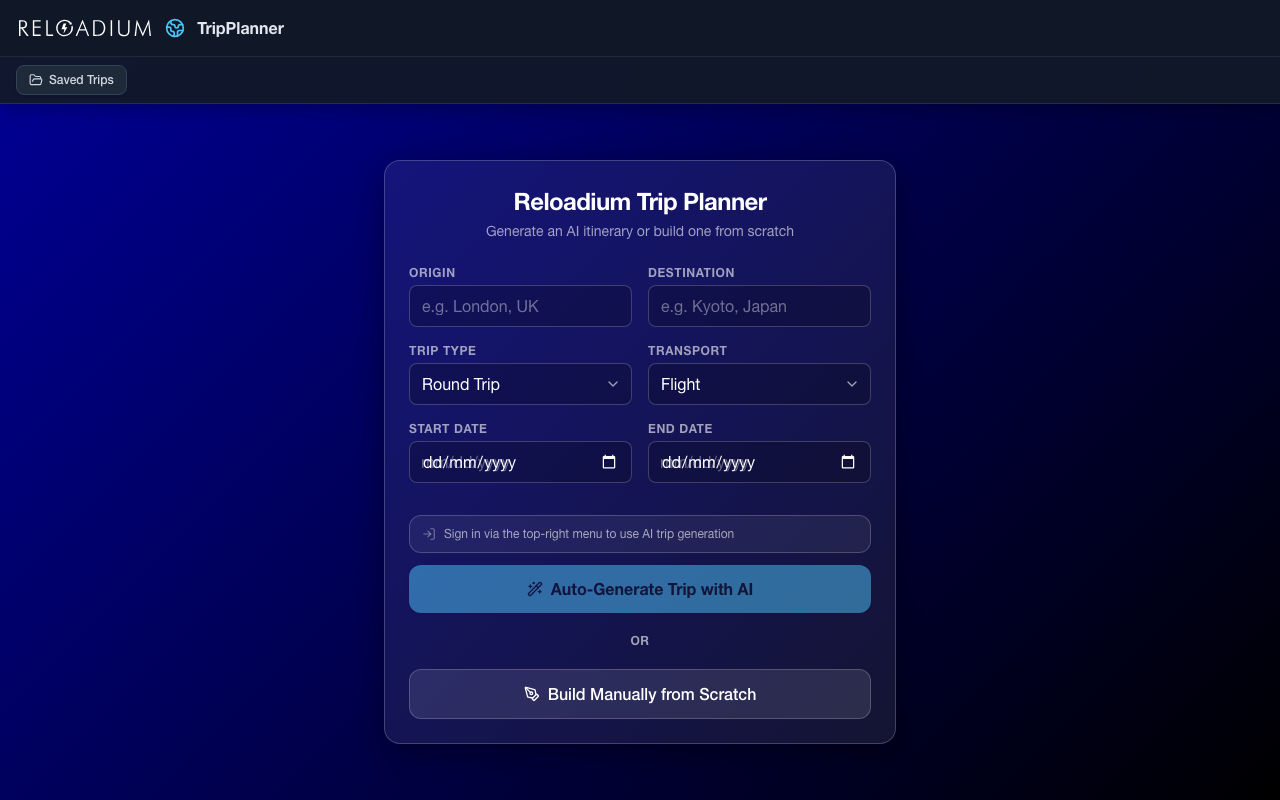
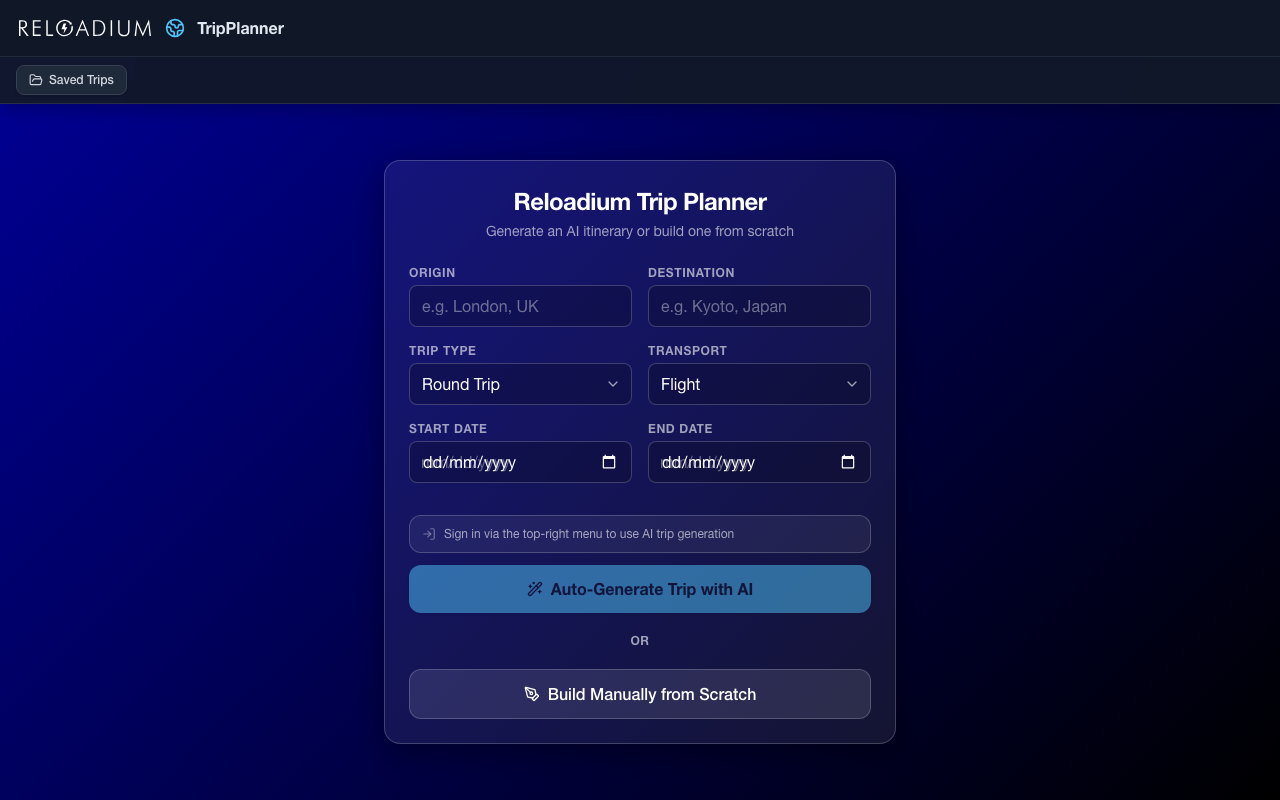
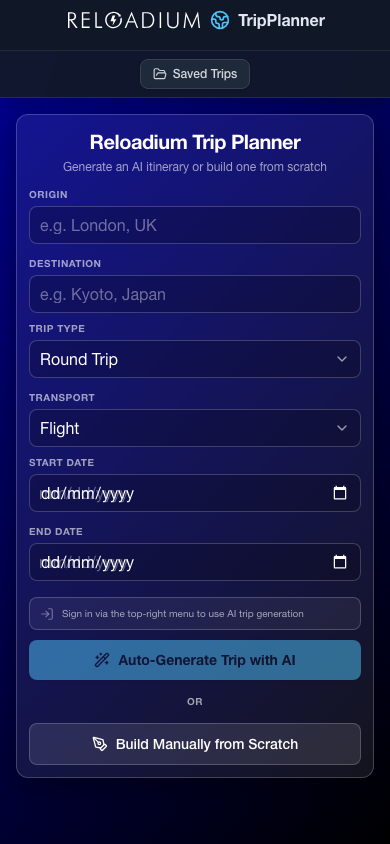
TripPlanner generates a complete day-by-day itinerary for any one-way or round trip — activities, accommodations, and transport segments, all with web-grounded current prices. Choose from nine transport modes (flight, train, car, bus, boat, bicycle, motorbike, helicopter, walking) and the AI automatically handles complex routing: island ferries, airport-to-city transfers, channel crossings.
Once your itinerary is generated, customize it freely: add or remove activities, stays, and transport on any day, request AI suggestions for a specific day, or chat with the AI assistant to make changes conversationally. Export the final plan as Markdown, JSON, or PDF.
Screenshots
App Screenshots
Key Features
Built-in Agentic AI Assistant
Every Reloadium app comes with a built-in agentic AI assistant. It can perform any task the app offers — just describe what you want in plain language. Attach images or documents, keep a persistent conversation history, and let the AI act on your behalf — no extra setup required.
AI Itinerary Generation
Generate a full day-by-day trip plan with activities, accommodations, and transport — prices grounded by live web search.
Smart Multi-Modal Routing
AI detects island destinations, airport transfers, and channel crossings, automatically inserting the right transport mode for each leg.
Per-Day AI Suggestions
Request AI-generated activity, accommodation, or transport suggestions for any individual day and add them with one click.
AI Chat Assistant
Describe changes in plain language — the assistant updates your itinerary directly without manual editing.
Round-Trip Transport Planner
Get grouped outbound and return transport suggestions for your full route, including multi-leg journeys.
Export & Share
Download your itinerary as Markdown, JSON, or print-ready PDF, or copy it to clipboard in one click.
How It Works
-
1
Enter Trip Details
Set your origin, destination, dates, transport mode, and trip type (one-way or round-trip).
-
2
AI Generates Your Itinerary
Gemini AI builds a complete day-by-day plan with real prices from the web, handling complex routing automatically.
-
3
Customize Per Day
Add, edit, or delete activities, stays, and transport on any day. Request AI suggestions or chat to make changes conversationally.
-
4
Export Your Plan
Download as Markdown, JSON, or PDF — or copy the full itinerary to clipboard.
Perfect For
Backpackers
Generate a full itinerary with hostel stays and local activities, then refine it day by day with AI suggestions.
Digital Nomads
Plan work-travel trips across multiple legs with realistic transport timing and accommodation suggestions.
Family Trips
Build a structured day-by-day family itinerary and adjust activities per day via the AI chat assistant.
Cycling & Hiking Tours
Plan slow-travel routes by bicycle or on foot with realistic daily distances and overnight stays.
Powered by Advanced AI
TripPlanner combines Gemini AI with live web search and a fully client-side persistent planner.
- React 19 with Vite for fast, modular development
- Google Gemini AI (gemini-3-flash-preview) with Google Search grounding for current prices
- Open-Meteo Geocoding API for city autocomplete
- IndexedDB for offline-capable trip storage and pending generation resume
- Tailwind CSS v4 with dark/light/auto theme support
- Firebase Authentication for secure API access
Privacy & Data
Trip data is sent to the AI for generation but is not stored on any server. All trips are saved locally in your browser.
- Trips stored in your browser's IndexedDB — never on our servers
- AI generation processed in real-time only
- Firebase Auth for secure API access only
- Export and own your itinerary at any time
Frequently Asked Questions
Is there a built-in AI assistant?
How accurate are the prices?
Which transport modes are supported?
Can I edit the itinerary after it's generated?
Do I need to sign in?
Can I export my itinerary?
What happens if generation is interrupted?
From Our Blog
AI Trip Planner: Your Smartest Way to Plan Travel in 2026
Discover how an AI trip planner can revolutionize your travel in 2026. Get step-by-step guidance to build your perfect itinerary.
AI Trip Planner: Your Guide to Effortless Travel in 2026
Unlock effortless travel in 2026 with an AI trip planner. Build custom itineraries, get smart routing, daily suggestions, and export easily with Reloadium TripPlanner.
Ready to Plan Your Trip?
Let AI build your itinerary in seconds — then make it yours.
Launch TripPlanner