

Is Your Task Correctly Timed and Right-Sized?
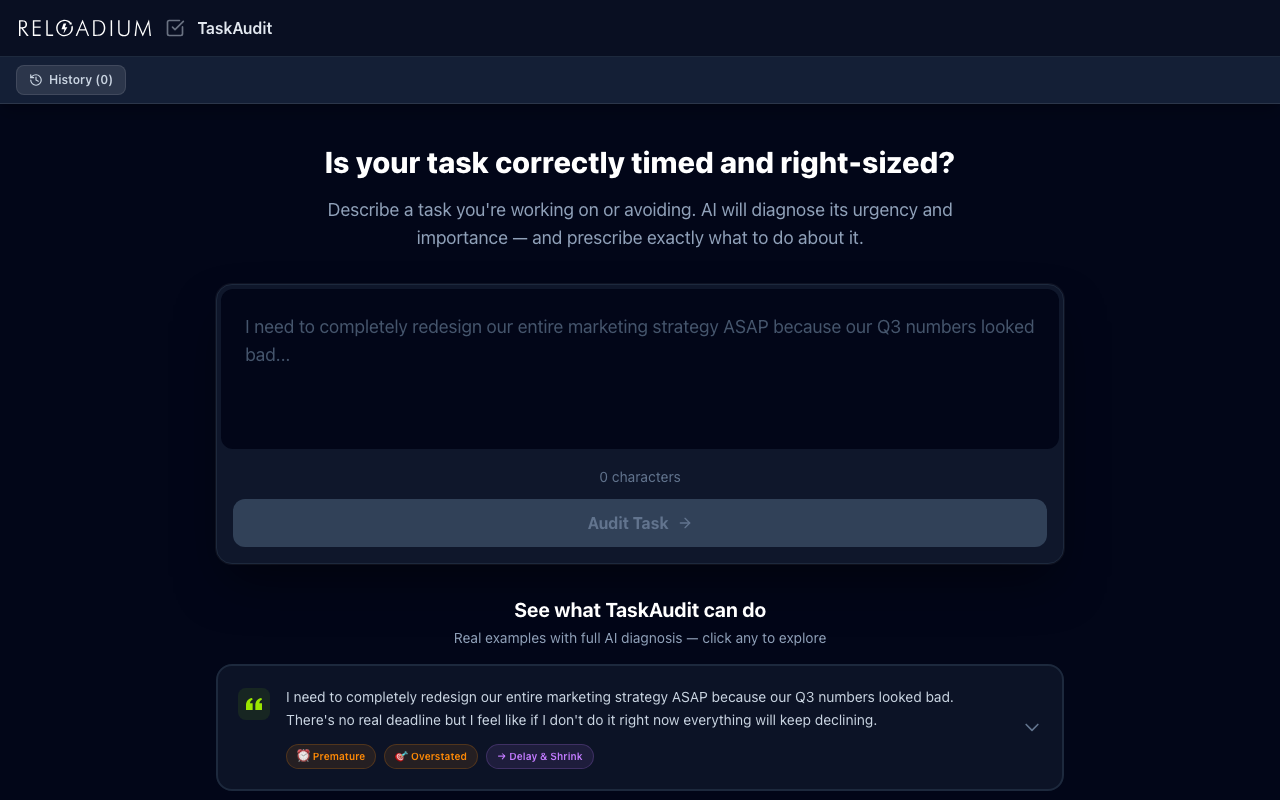
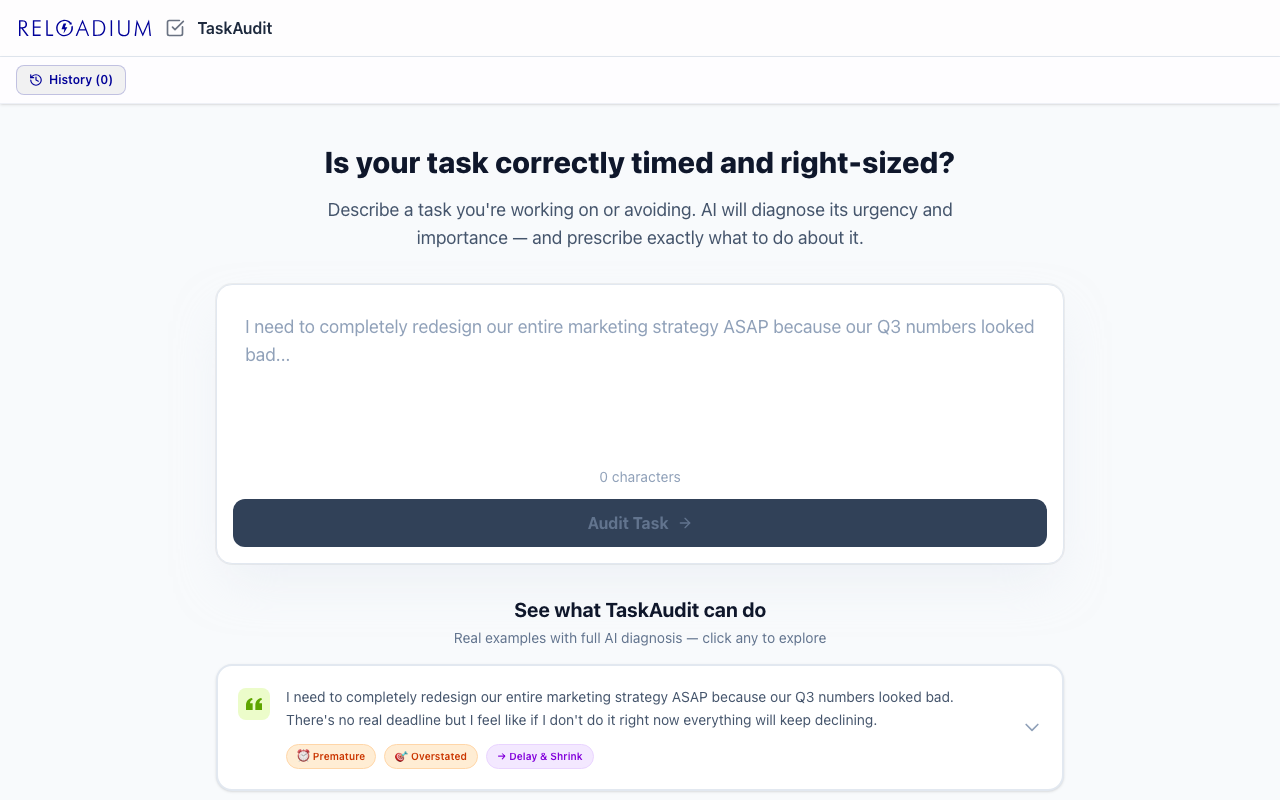
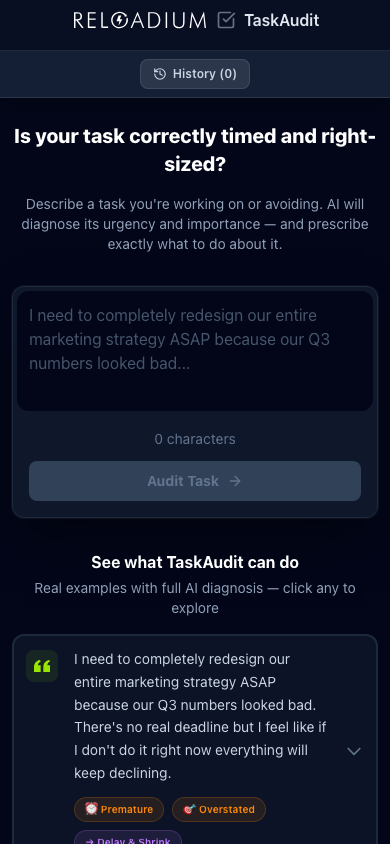
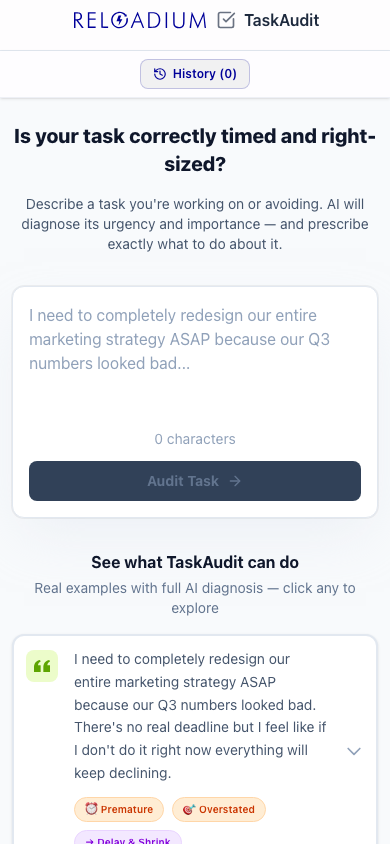
TaskAudit analyzes your tasks across two critical independent dimensions: Urgency (timing) and Importance (scope/impact). Instead of simple priority labels, it diagnoses whether your task is Premature, Timely, or Deferred on the urgency axis — and Overstated, Calibrated, or Understated on the importance axis.
Based on the diagnosis, TaskAudit prescribes specific actions: Delay artificially urgent tasks, Schedule procrastinated ones, Shrink scope-bloated elephants, Elevate undervalued work, or Delete pure noise. It can even auto-rewrite your task description into a concrete, schedulable, right-sized action item.
Screenshots
App Screenshots
Key Features
Built-in Agentic AI Assistant
Every Reloadium app comes with a built-in agentic AI assistant. It can perform any task the app offers — just describe what you want in plain language. Attach images or documents, keep a persistent conversation history, and let the AI act on your behalf — no extra setup required.
Urgency Diagnosis
Detects whether your task timing is Premature (anxiety-driven), Timely (well-scheduled), or Deferred (procrastinated). Separates real deadlines from self-imposed pressure.
Importance Diagnosis
Evaluates whether task scope is Overstated (too big to act), Calibrated (right-sized), or Understated (busywork). Identifies scope bloat and disconnected tasks.
Prescriptive Actions
Goes beyond classification to prescribe exactly what to do: Delay, Execute, Schedule, Shrink, Elevate, or Delete. Dual prescriptions for tasks with issues on both axes.
Auto-Optimize Rewrite
AI rewrites your task as a concrete, single next physical action with realistic timing — following GTD principles for maximum actionability.
Markdown Export
Export any analysis as a structured Markdown report with urgency/importance diagnosis, detailed analysis, and optimization suggestions.
Persistent History
All analyses are saved locally in IndexedDB. Review past task audits, track patterns in your prioritization, and reload previous analyses.
Analyze Any Webpage
Paste any URL and the AI reads the page for you. Feed in articles, competitor pages, reports, or documentation — the full content becomes context for a richer, more grounded analysis.
Upload a Document
Drop in a PDF, Markdown, or plain text file and let the AI work from your actual content. Ideal for analyzing contracts, research papers, internal reports, or any document you'd rather not copy-paste.
Guided Questionnaire
Not sure how to describe your situation? Switch to Guide mode and answer a short series of focused questions. The AI turns your answers into a structured, detailed input — so you always get a high-quality analysis even when starting from scratch.
How It Works
-
1
Describe Your Task
Write or paste a task description — include your feelings about urgency, any deadlines, and what you think the scope involves.
-
2
Get AI Diagnosis
AI analyzes urgency timing and importance scope independently, identifying mismatches between perceived and actual priority.
-
3
Read the Prescription
Receive a specific action recommendation (Delay, Execute, Schedule, Shrink, Elevate, or Delete) with detailed reasoning.
-
4
Auto-Optimize
Optionally let AI rewrite your task as a concrete, right-sized, well-timed action item you can schedule immediately.
Perfect For
Overworked Professionals
Break through anxiety-driven urgency and scope bloat. Stop firefighting and start executing well-timed, right-sized actions.
Chronic Procrastinators
Turn vague 'someday' tasks into concrete scheduled actions with clear first steps and realistic timing.
Team Leads & Managers
Audit team priorities before sprint planning. Identify crisis theater, scope bloat, and noise masquerading as work.
GTD Practitioners
Apply rigorous urgency/importance analysis to your inbox. Ensure every task has one clear next physical action.
Powered by Advanced AI
TaskAudit combines AI-powered task analysis with local-first storage for privacy.
- React 19 with Vite for fast development and builds
- Google Gemini AI (2.5 Flash) for urgency/importance analysis
- Tailwind CSS v4 for responsive, dark-mode-ready styling
- IndexedDB for persistent local analysis history
- Firebase Authentication for secure API access
- Lucide React icons for clean visual design
Privacy & Data
Task descriptions are sent to the AI for analysis but are not stored on any server. Analysis history is saved locally in your browser's IndexedDB. Firebase Authentication is used only for API access control and credit management.
- Task data stays in your browser (IndexedDB)
- No server-side storage of your tasks
- Firebase Auth for secure API access only
- Export your data anytime as Markdown
Frequently Asked Questions
Is there a built-in AI assistant?
How does TaskAudit differ from a simple priority matrix?
What does Auto-Optimize do?
Is my task data stored on a server?
Do I need to sign in?
What does 'Delete' prescription mean?
Can I analyze a webpage or article directly?
Can I upload a file instead of typing?
What if I don't know what to type?
From Our Blog
Ready to Audit Your Tasks?
Stop guessing at priorities. Let AI diagnose your task's urgency and importance, then prescribe the right action.
Launch TaskAudit