

Plan Any Project with AI-Powered Breakdown Structures
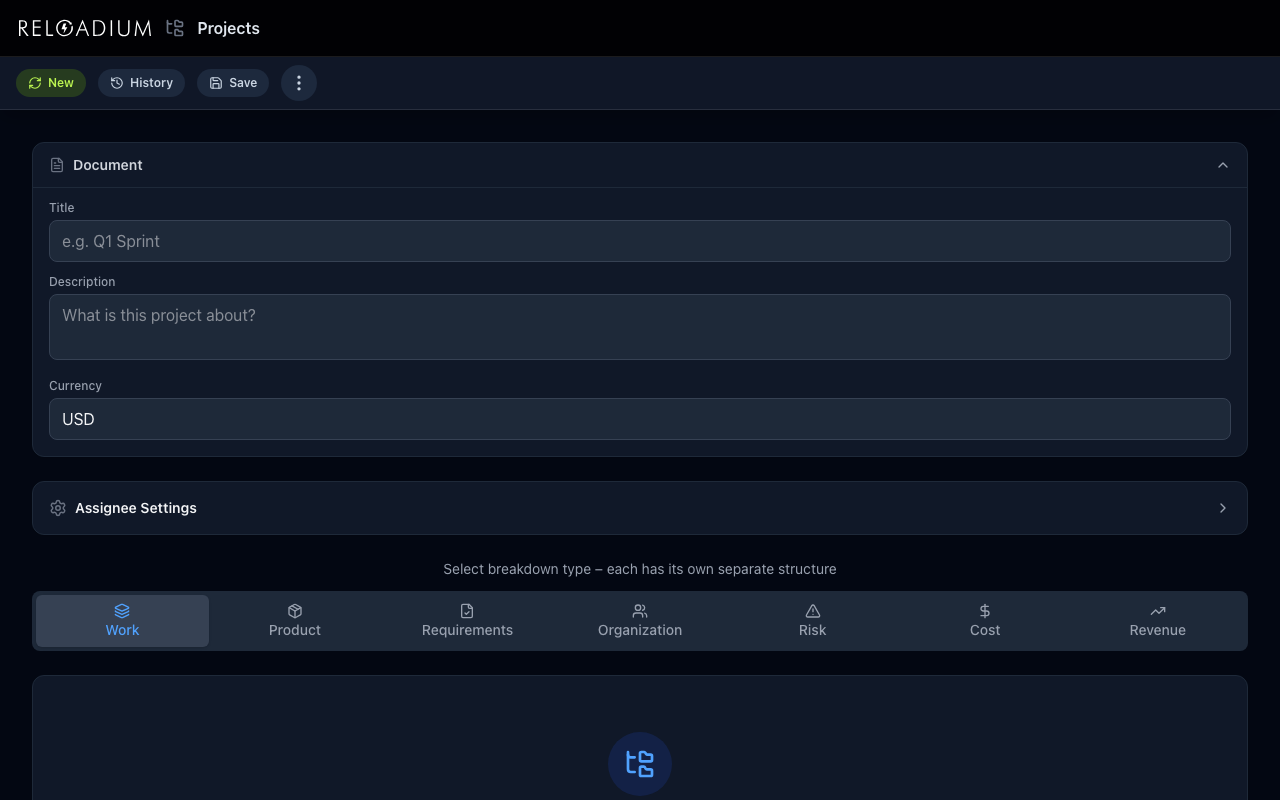
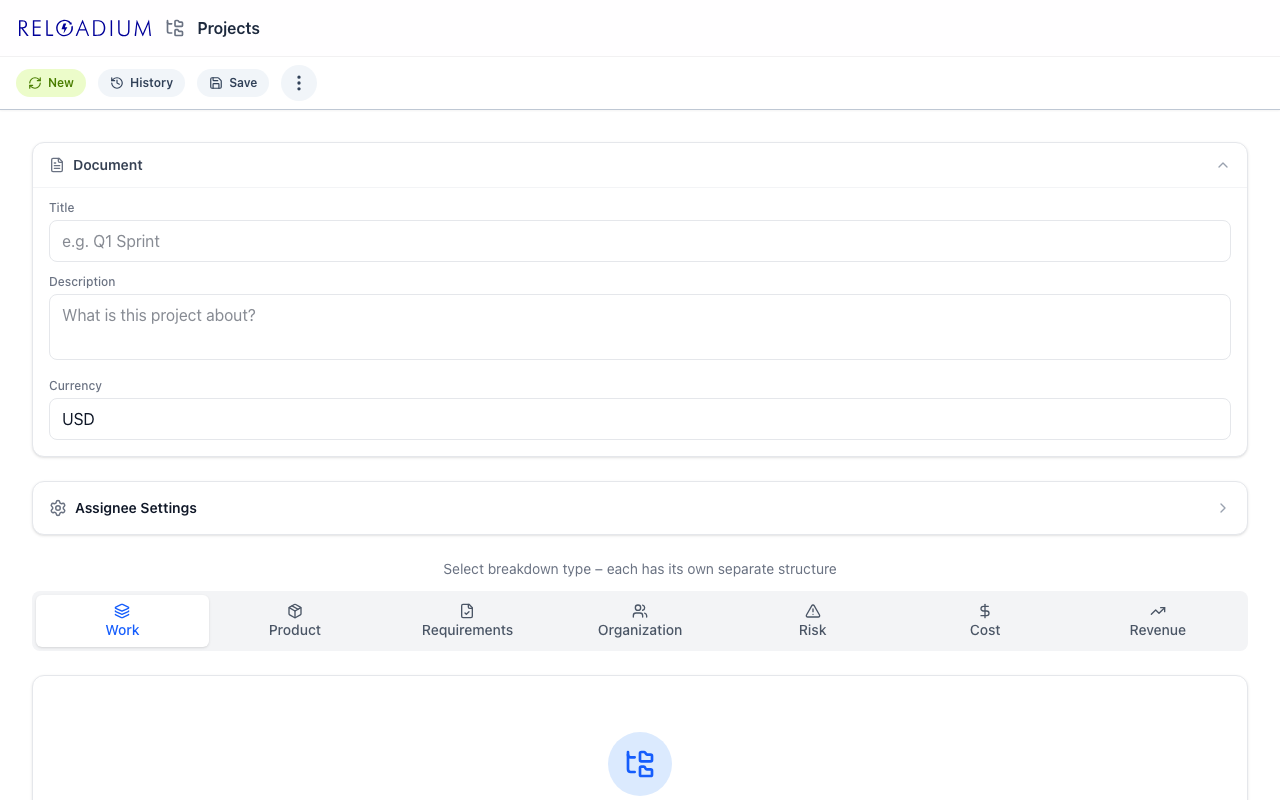
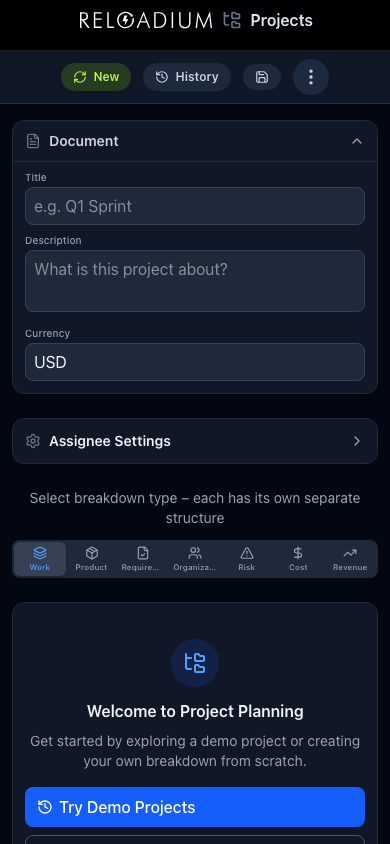
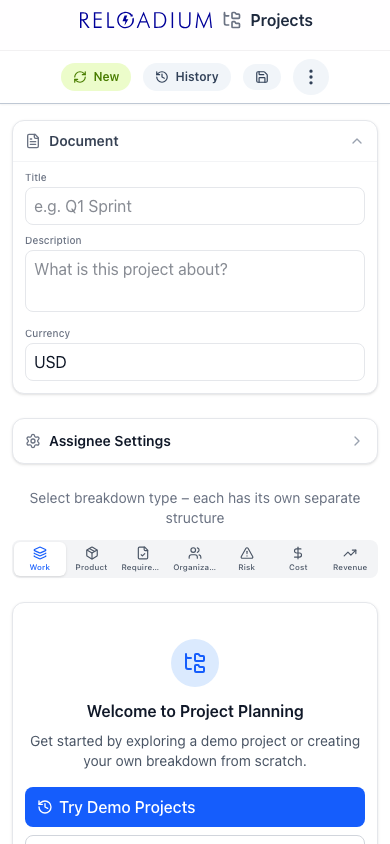
Reloadium Projects is a versatile breakdown structure manager that supports seven distinct planning modes: Work, Product, Requirements, Organization, Risk, Cost, and Revenue. Each mode adapts its vocabulary, metrics, and AI prompts to the type of planning you need.
Describe a task, component, or budget line item and let AI generate a detailed breakdown in seconds. Build unlimited-depth hierarchies, assign owners, track completion, create contingency plans, and export your structures as JSON, Markdown, CSV, or PDF.
Screenshots
App Screenshots
Key Features
Built-in Agentic AI Assistant
Every Reloadium app comes with a built-in agentic AI assistant. It can perform any task the app offers — just describe what you want in plain language. Attach images or documents, keep a persistent conversation history, and let the AI act on your behalf — no extra setup required.
Seven Breakdown Modes
Switch between Work, Product, Requirements, Organization, Risk, Cost, and Revenue modes. Each mode adapts its labels, metrics, and AI behaviour — tasks use duration in minutes, costs use currency amounts, risks use severity scores.
AI-Generated Breakdowns
Click Generate to let AI create 3–5 child items with estimated metrics. The AI understands the parent context and sibling items to produce coherent, actionable breakdowns.
Contingency Planning
Generate backup plans and alternative approaches for any item. Contingency items are visually distinct so you can separate your primary plan from your fallbacks.
Assignee Management
Assign owners to every item and configure their capacity — hours per day and days per week. Parent items automatically aggregate work per assignee so you can spot overallocation at a glance.
Export & Snapshots
Export any branch as JSON, Markdown, CSV, or PDF. Save timestamped snapshots to track how your plan evolves and restore previous versions anytime.
Multi-Language Support
The interface is available in English, French, and Turkish. All mode-specific vocabulary is fully translated so teams can work in their preferred language.
How It Works
-
1
Choose a Mode
Select one of seven breakdown modes — Work, Product, Requirements, Organization, Risk, Cost, or Revenue — depending on what you need to plan.
-
2
Describe Your Top-Level Items
Add root items by typing a description. For a Work breakdown, these might be project phases; for a Cost breakdown, major budget categories.
-
3
Generate or Add Children
Use AI to instantly generate sub-items with estimated metrics, or manually add children and set durations, amounts, or scores yourself.
-
4
Assign, Track, and Export
Assign owners, mark items as complete, create contingency plans, and export your finished structure in the format your team needs.
Perfect For
Project Management
Build a Work Breakdown Structure for a product launch, estimate durations, assign tasks to team members, and track progress toward completion.
Budget Planning
Use Cost mode to break down a department budget into line items, assign budget owners, and see totals roll up automatically.
Risk Assessment
Create a Risk Breakdown Structure to identify, score, and assign owners to project risks. Generate AI-powered response plans for each risk.
Product Architecture
Map out hardware or software components in Product mode, track defect severity, assign owners, and generate workaround plans.
Powered by Advanced AI
Reloadium Projects is built with modern web technologies for a fast, offline-capable experience.
- React 19 with TypeScript and Tailwind CSS v4
- IndexedDB for persistent local storage — your data stays on your device
- Gemini AI for context-aware breakdown generation
- Firebase Authentication for secure sign-in
- Multi-format export: JSON, Markdown, CSV, and PDF
Privacy & Data
Your project data stays private and under your control.
- All structures and snapshots are stored locally in IndexedDB — nothing is sent to a server unless you use AI generation
- AI requests send only the item description and its context to generate children — no other project data leaves your browser
- Firebase Auth is used only for sign-in and credit display
Frequently Asked Questions
Is there a built-in AI assistant?
What is a breakdown structure?
What are the seven modes?
How does AI generation work?
Is my data stored in the cloud?
Can I export my breakdown structure?
What are contingency items?
From Our Blog
What Is a Breakdown Structure? A Project Guide 2026
Understand what a breakdown structure is in 2026. Learn how to create effective breakdown structures for projects, costs, risks, and more.
What is a Cost Breakdown Structure? A Detailed Guide 2026
Understand what a Cost Breakdown Structure (CBS) is and how to create one in 2026. Learn to organize project expenses for better financial control.
What is a Product Breakdown Structure? A Guide 2026
Understand what a Product Breakdown Structure (PBS) is and how to create one in 2026. Learn to map out product components for clarity and control.
What is a Risk Breakdown Structure? A Guide 2026
Learn what a Risk Breakdown Structure (RBS) is in 2026. This guide shows you how to create an RBS to identify, analyze, and manage project risks effectively.
What is a Work Breakdown Structure (WBS)? Explained
Learn what a Work Breakdown Structure (WBS) is and how to create one step-by-step. Master project planning with this essential guide for 2026.
Ready to Plan Your Next Project?
Break down any project, budget, or risk register with AI-powered structure generation.
Launch Projects