

Is Your Process Working — or Just Working Hard?
ProcessAudit analyses any business process, workflow, or system across two critical dimensions: Effectiveness (are you producing the right outputs?) and Efficiency (are you minimising waste to produce them?).
Powered by Google Gemini and grounded in lean principles, it delivers actionable recommendations to eliminate misalignment, reduce waste, and move your operations to the Aligned + Efficient sweet spot.
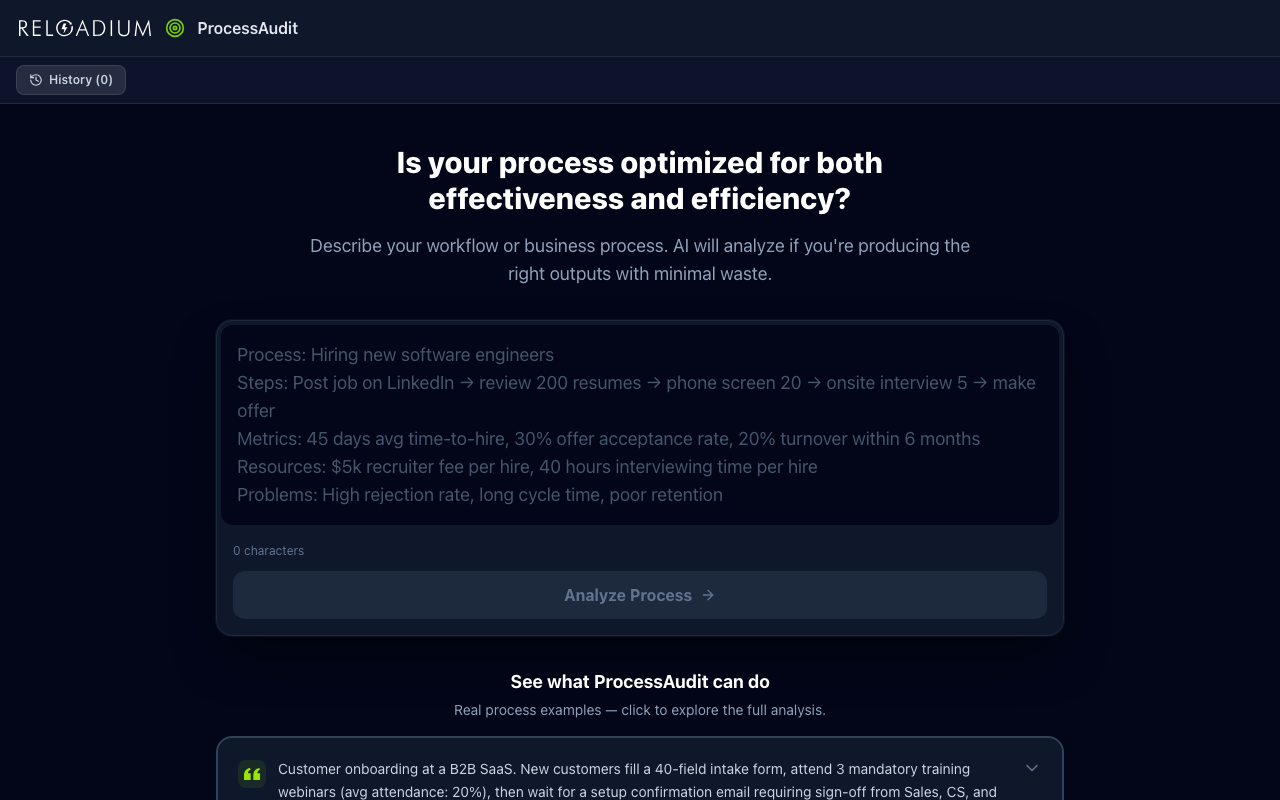
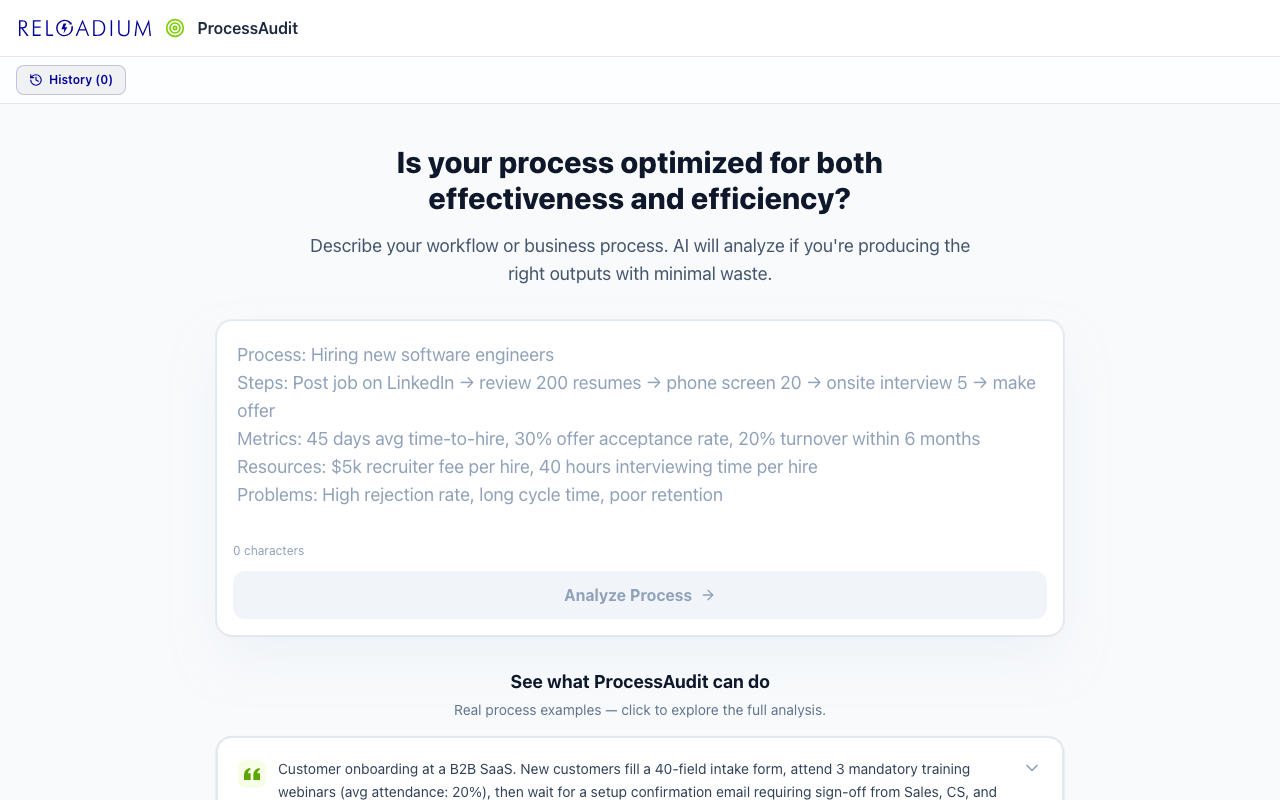
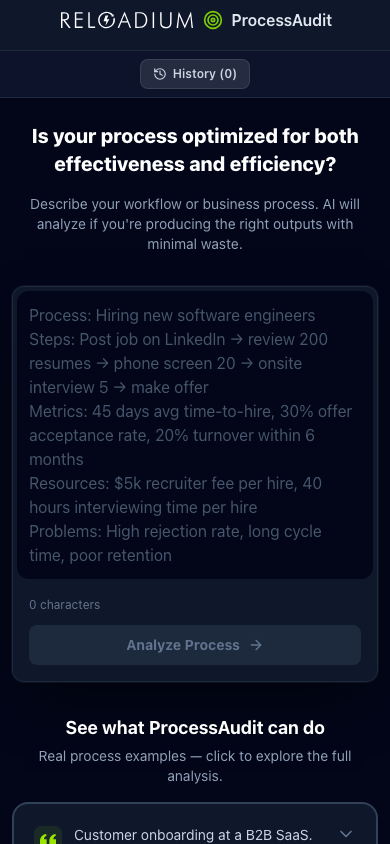
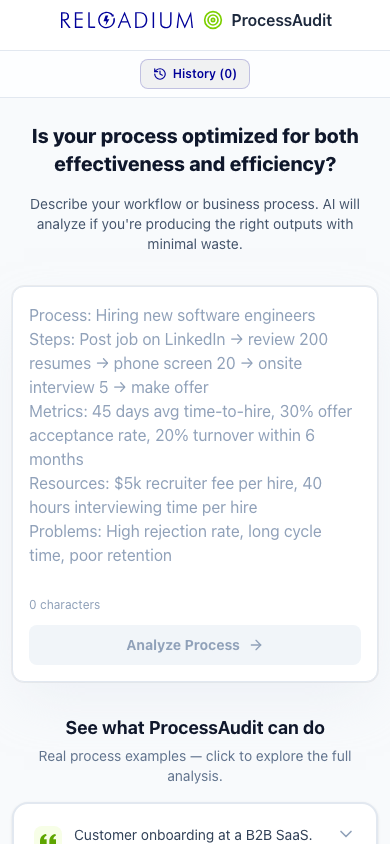
Screenshots
App Screenshots
Key Features
Built-in Agentic AI Assistant
Every Reloadium app comes with a built-in agentic AI assistant. It can perform any task the app offers — just describe what you want in plain language. Attach images or documents, keep a persistent conversation history, and let the AI act on your behalf — no extra setup required.
Two-Dimensional Analysis
Independent Effectiveness and Efficiency scores reveal whether you're solving the right problem, whether you're doing it lean, or both.
AI-Powered Optimization
One click rewrites your process description with the minimum changes needed to reach Aligned + Efficient — using lean and systems-thinking principles.
Actionable Suggestions
Three targeted, implementable improvements specific to your actual process bottlenecks and misalignments.
Persistent History
All audits are saved to IndexedDB locally. Track how your processes improve over time without any account required.
Analyze Any Webpage
Paste any URL and the AI reads the page for you. Feed in articles, competitor pages, reports, or documentation — the full content becomes context for a richer, more grounded analysis.
Upload a Document
Drop in a PDF, Markdown, or plain text file and let the AI work from your actual content. Ideal for analyzing contracts, research papers, internal reports, or any document you'd rather not copy-paste.
Guided Questionnaire
Not sure how to describe your situation? Switch to Guide mode and answer a short series of focused questions. The AI turns your answers into a structured, detailed input — so you always get a high-quality analysis even when starting from scratch.
Zone Recognition Trainer
Sharpen your understanding of the zone matrix with AI-generated scenario drills. Read a realistic situation, pick the zone it belongs to, and get instant feedback. Scenarios are generated in your language and cached locally so you can keep practising without regenerating.
How It Works
-
1
Describe Your Process
Write out your workflow, system, or business process — include cycle time, defect rate, team size, or any available metrics for a sharper diagnosis.
-
2
Run the Audit
Click Analyze. The AI evaluates your Effectiveness (output alignment) and Efficiency (resource utilization) independently.
-
3
Read Your Diagnosis
Get your two status scores, a detailed analysis of strengths and weaknesses, and three concrete improvement suggestions.
-
4
Optimize
Click Optimize to auto-redesign your process towards Aligned + Efficient, then instantly re-audit the result.
Perfect For
Operations & Engineering
Audit your deployment pipeline, incident response process, or sprint workflow for waste and goal alignment.
HR & Hiring
Identify whether your hiring funnel is solving the right problem and doing so without unnecessary steps or bottlenecks.
Sales & Customer Success
Analyse your sales process or support workflow — are reps focused on the right outcomes and converting efficiently?
Coach & Trainer
Use the zone trainer to coach clients or students on how to read the matrix. Generate scenario drills, share the app, and let them practise recognising zones on their own.
Powered by Advanced AI
ProcessAudit is powered by Google's Gemini AI and the Reloadium platform.
- Gemini 2.5 Flash for deep process and operational analysis
- Lean principles and systems thinking as the analytical framework
- IndexedDB for persistent, local audit history — no server required
- React 19 + Tailwind CSS v4 for a fast, responsive interface
- Firebase Auth for secure sign-in and credit management
Privacy & Data
Your process data stays private.
- All audit history is stored locally in your browser via IndexedDB — never on our servers
- Process descriptions sent for analysis are used only for that single API request
- No business data is shared with third parties
Frequently Asked Questions
Is there a built-in AI assistant?
What is the difference between Effectiveness and Efficiency?
What processes can I audit?
What data should I include?
What does Optimize do?
Can I analyze a webpage or article directly?
Can I upload a file instead of typing?
What if I don't know what to type?
What is the Zone Recognition Trainer?
From Our Blog
Audit Your First Process Now
Find out if your team is working on the right things — efficiently.
Start Free Audit