

Notes That Think With You
Reloadium Notes is an intelligent note-taking platform that goes beyond simple text storage. AI analyzes your notes, generates contextual meta-summaries, and creates meaningful connections between your ideas — all while keeping your data private and local.
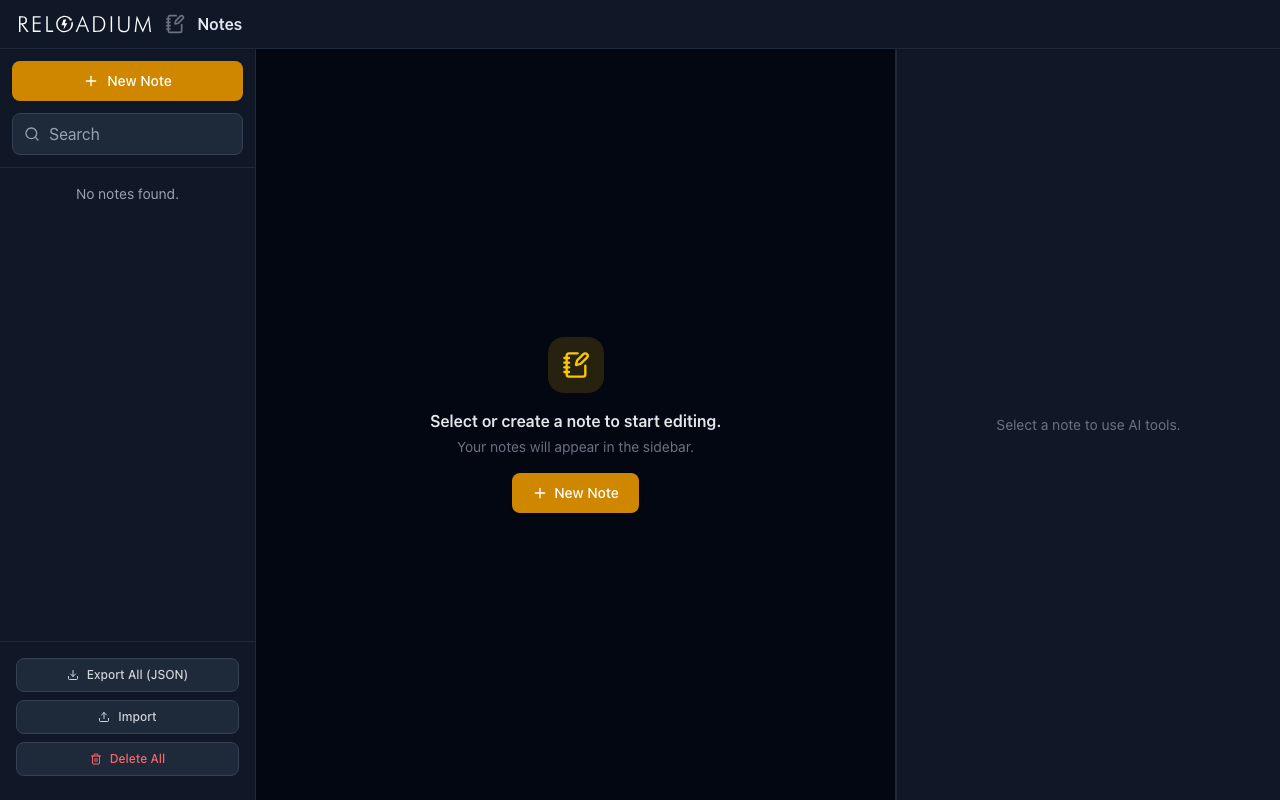
Write in markdown, view in three modes (raw, preview, split), and let AI handle the smart organization: consolidate scattered thoughts, split complex ideas, and discover connections you didn't know existed.
Screenshots
App Screenshots
Key Features
Built-in Agentic AI Assistant
Every Reloadium app comes with a built-in agentic AI assistant. It can perform any task the app offers — just describe what you want in plain language. Attach images or documents, keep a persistent conversation history, and let the AI act on your behalf — no extra setup required.
AI Meta-Notes
AI analyzes each note and automatically generates intelligent summaries that connect it to other notes in your collection. Understand relationships between your thoughts without manual tagging.
Smart Consolidation
AI merges multiple related notes into a single, well-structured document while preserving important details and maintaining logical flow. Turn scattered thoughts into cohesive ideas.
Intelligent Splitting
AI breaks down long or complex notes into multiple focused, well-organized separate notes. Transform overwhelming content into manageable pieces.
Contextual Linking
AI identifies connections between notes and references them by title for human-readable links. Build a knowledge graph automatically as you write.
Three View Modes
Switch between raw editing, live markdown preview, and split view for simultaneous editing and previewing. Choose the mode that fits your workflow.
Privacy-First AI
All notes stored locally in IndexedDB. AI processes content through secure cloud functions without uploading your data. Advanced intelligence without compromising privacy.
Voice Recording & Transcription
Record a voice note right in the editor, or upload an existing audio file, and AI transcribes it into text. Capture ideas hands-free using the same pay-as-you-go AI credits as every other feature.
Encrypted Sync with Passkey
Unlock your notes with a passkey and sync them across devices. Content is encrypted client-side with a key derived from your passkey — Reloadium never has access to the decryption key, so synced notes stay unreadable to anyone but you.
How It Works
-
1
Create & Write
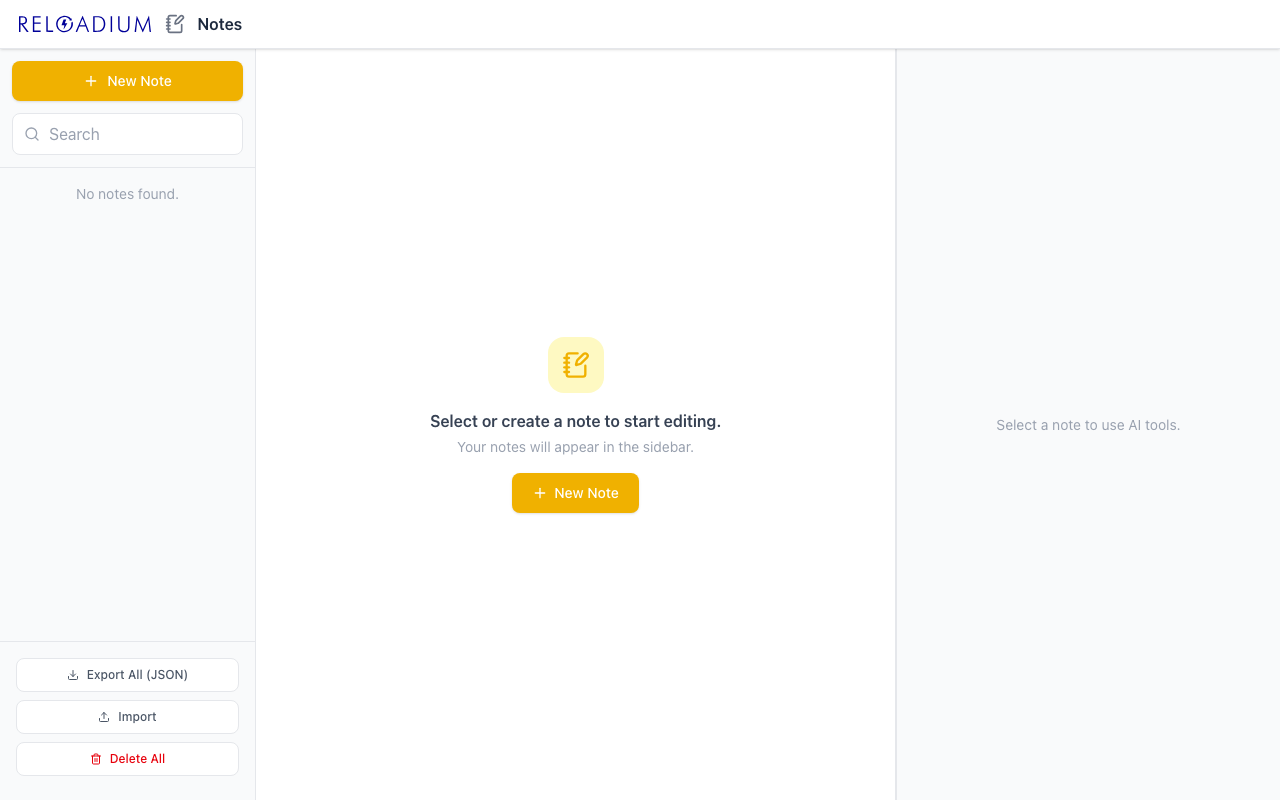
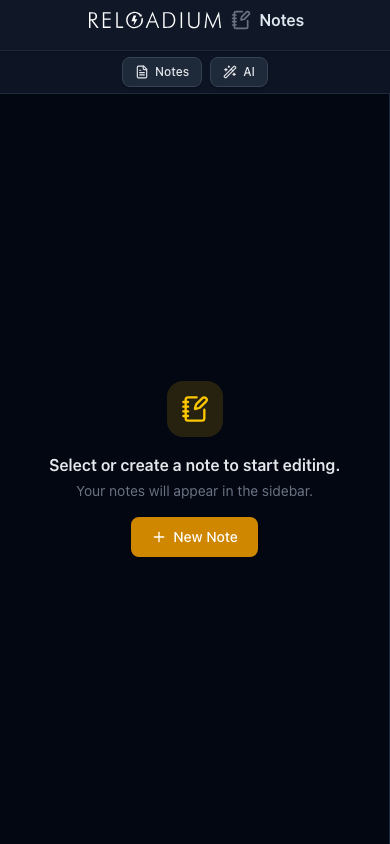
Create notes and write in markdown. Use the clean, Apple Notes-style interface with real-time search and intuitive organization.
-
2
Let AI Analyze
AI automatically generates meta-notes that summarize and connect your content to other notes, creating an intelligent knowledge web.
-
3
Smart Operations
Use AI to consolidate related notes into cohesive documents or split complex notes into focused pieces. Organize intelligently, not manually.
-
4
Export & Backup
Export your notes as JSON or Markdown. Full data portability with batch import/export for backup and migration.
Perfect For
Research & Learning
Take notes on different topics and let AI show you connections. Build a personal knowledge base that grows smarter as you add more content.
Idea Development
Capture scattered thoughts and use AI consolidation to develop them into structured concepts. Let intelligent splitting break down complex ideas.
Project Management
Track project notes across different areas and let AI meta-notes show you relationships between tasks, ideas, and outcomes.
Creative Writing
Organize character notes, plot points, and world-building details. AI linking helps you see connections between story elements.
Powered by Advanced AI
Reloadium Notes combines modern web technologies with privacy-respecting AI.
- React 19 with TypeScript for a robust, type-safe interface
- Tailwind CSS v4 for modern, responsive design
- IndexedDB for secure, client-side note storage
- Gemini AI via cloud function proxy— AI processing without data upload
- Markdown rendering with real-time preview and split view modes
Privacy & Data
Your thoughts stay yours.
- Notes stored locally in IndexedDB by default — nothing leaves your device unless you turn on sync
- AI analysis happens through secure cloud functions without storing your content
- Full data export in JSON and Markdown formats for complete portability
- Optional passkey-based sync encrypts notes client-side before upload — Reloadium never holds the decryption key, so synced content stays unreadable to anyone but you
- Works offline after initial load — no network dependency for note access
Frequently Asked Questions
Is there a built-in AI assistant?
How do AI meta-notes work?
What is smart consolidation?
What is smart splitting?
How does privacy work with AI features?
What formats can I export to?
Do I need an internet connection?
What markdown features are supported?
Can I record audio and have it transcribed?
Can I upload an audio file instead of recording?
From Our Blog
AI Meta-Notes Explained: Connect Your Ideas Smarter
Discover how AI meta-notes can transform your note-taking. Learn to consolidate thoughts and understand connections with smart note-taking methods.
Smart Consolidation Notes: How to Unify Scattered Ideas
Learn how smart consolidation notes can transform your disorganized thoughts. Discover how to unify scattered ideas with AI-powered tools.
AI Voice Transcription Notes: Your Hands-Free Guide
Master AI voice transcription for notes in 2026. This guide shows you how to capture ideas hands-free and transform spoken words into organized text.
Smart Consolidation Notes: How AI Unifies Your Thoughts
Learn how AI smart consolidation notes can unify scattered thoughts into cohesive ideas. Discover practical tips and examples with Reloadium Notes.
Medical Note Taking App: Hands-Free with Reloadium Notes
Reloadium Notes revolutionizes medical note taking with AI voice transcription and smart organization. Try the ultimate medical scribe alternative.
Smart Note-Taking: Your Guide to Intelligent Note Apps
Discover intelligent note-taking with AI. Learn how smart apps organize thoughts, connect ideas, and boost productivity.
Ready for Intelligent Note-Taking?
Start writing and let AI help you discover connections, organize thoughts, and build a smarter knowledge base.
Launch Notes