

Simulate Your Instagram Posts with AI
InstaVibe Simulator is an AI-powered creative tool that lets you preview exactly how your photos would look and perform on Instagram — before you post. Upload your images and get instant AI-generated captions, hashtags, estimated likes, realistic comment threads, and a full audience breakdown with gender split, age heatmap, top countries, and interest clusters.
A built-in time slider lets you simulate how your post's engagement grows over time — from 1 minute to 1 week after publishing — based on a realistic, front-loaded growth curve calibrated to your content type. Whether you're a content creator, social media manager, or just curious about your photo's potential, InstaVibe gives you the deep engagement analytics and actionable insights to craft better posts and maximize reach.
Screenshots
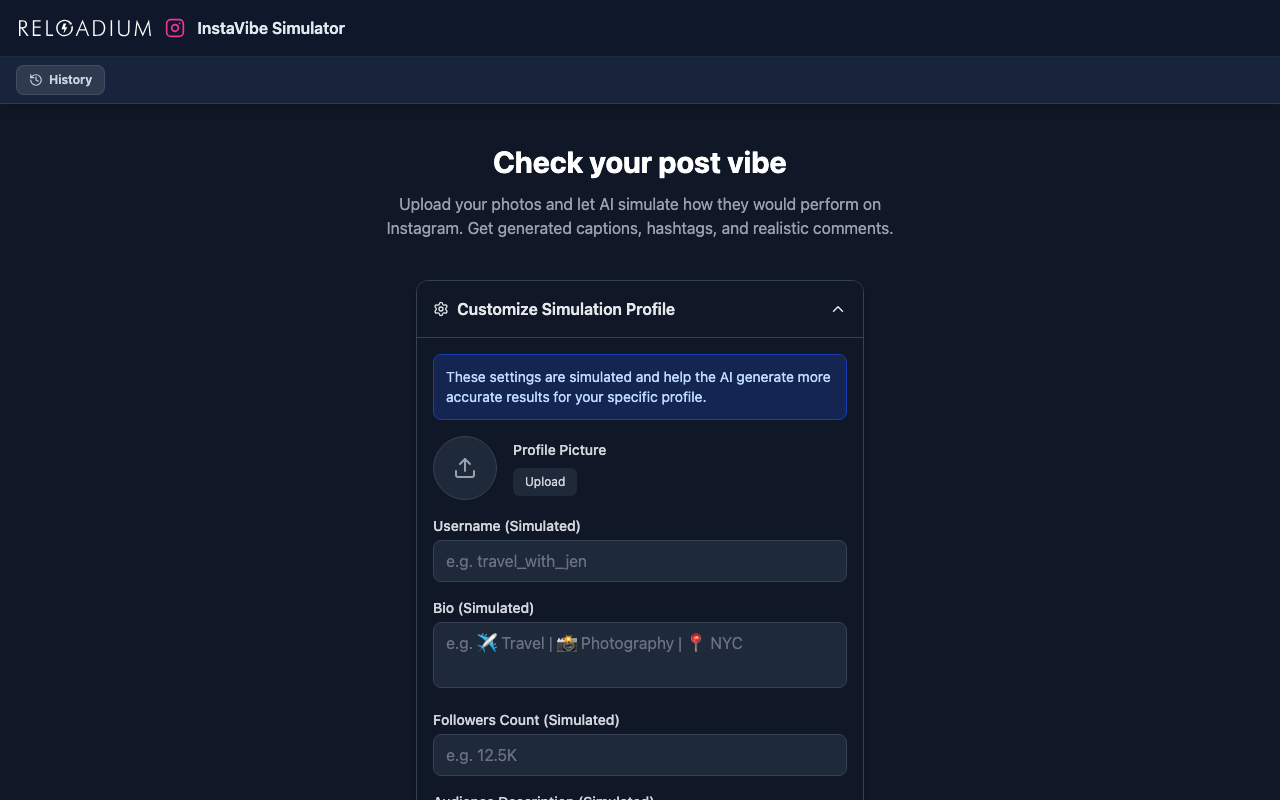
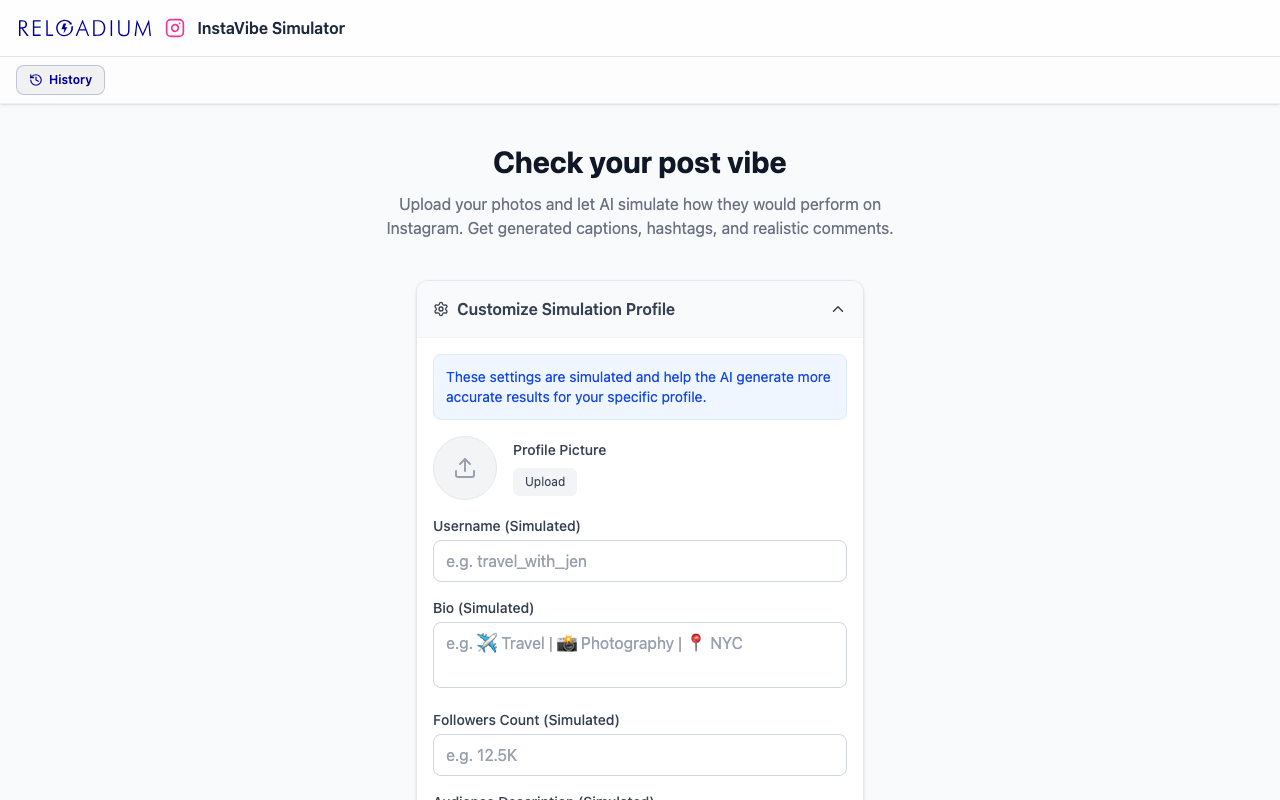
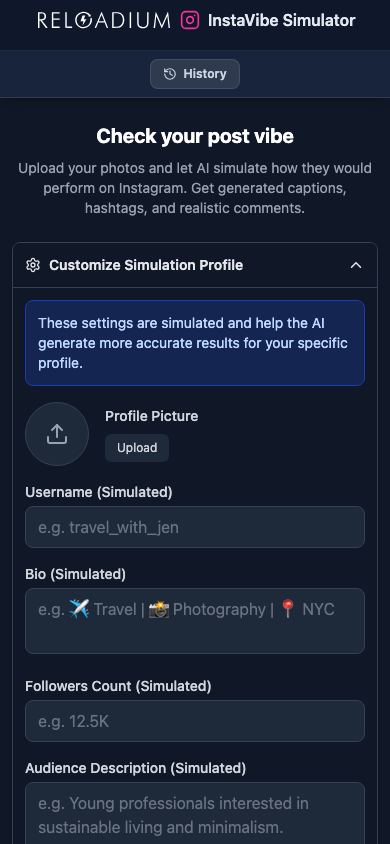
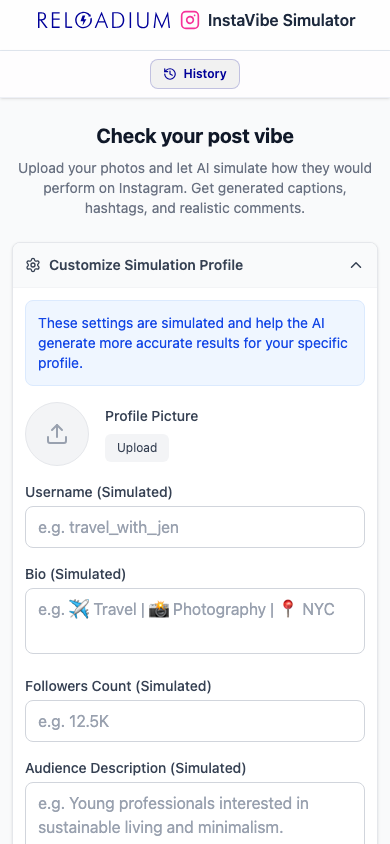
App Screenshots
Key Features
Multi-Image Upload
Upload one or multiple photos and get a complete Instagram post simulation including captions and hashtags tailored to your images.
Realistic Comment Threads
AI generates authentic-sounding comments with replies, likes, and engagement patterns based on your content and audience settings.
Engagement Insights
Receive actionable suggestions to improve your post's reach, timing, and audience interaction specific to your content.
Audience Demographics
See a full breakdown of who interacts with your post: gender split per interaction type, age-by-interaction heatmap, top countries, and top interest clusters.
Profile Customization
Set your username, follower count, audience description, and privacy settings for more accurate, personalized simulations.
Simulation History
Browse and reload past simulations stored locally in your browser — your data never leaves your device.
Time Simulation Slider
Drag a slider to see how likes, comments, and reposts accumulate from 1 minute to 1 week post-publish — based on a realistic, front-loaded growth curve shaped to your content type.
Caption & Hashtag Generator
Get creative, on-brand captions and relevant hashtags automatically generated from your images and profile context.
How It Works
-
1
Upload Your Photos
Drag and drop or select one or more images you want to simulate as an Instagram post.
-
2
Customize Your Profile (Optional)
Set your username, follower count, and audience description so the AI tailors the simulation to your actual account.
-
3
AI Analyzes & Simulates
Gemini AI analyzes your images and generates a realistic Instagram post — caption, hashtags, estimated likes, comment threads, engagement suggestions, and a full audience demographics breakdown.
-
4
Explore, Rewind & Iterate
Drag the time slider to watch your predicted likes, comments, and reposts grow from 1 minute to 1 week. Load more comments, reset, or try different images to refine your content strategy.
Perfect For
Content Creators
Preview how your posts will be received before publishing. Optimize captions and hashtags to maximize reach and engagement.
Social Media Managers
Quickly simulate posts for clients to set realistic expectations on engagement and get AI-generated copy suggestions.
E-commerce & Brands
Test product photography and promotional content to see which images and captions resonate best with your target audience.
Students & Learners
Understand Instagram engagement patterns and learn what makes content perform well — powered by AI analysis.
Influencers & Personal Brands
Analyse how different photo styles and captions shift your predicted audience demographics — gender, age group, and interest clusters — before committing to a direction.
Photographers
Compare how different shots from the same session would perform on Instagram and pick the one with the highest predicted engagement.
Digital Marketers
A/B test creative concepts without publishing anything. See predicted reach, interaction breakdown, and audience split for each variant.
Powered by Advanced AI
InstaVibe Simulator is powered by Google Gemini's multimodal AI, which analyzes the visual content, mood, and aesthetic of your images to generate contextually accurate Instagram simulations.
- Google Gemini multimodal AI for image understanding and natural language generation
- Secure /api/hello proxy — your API key is never exposed in the browser
- Firebase Authentication for secure, personalized access
- IndexedDB (via idb) for private, local simulation history storage
- React 19 + Tailwind CSS v4 for a fast, responsive experience
Privacy & Data
InstaVibe Simulator is designed with privacy in mind. Your images and data are handled responsibly and never used beyond generating your simulation.
- Your uploaded images are sent to the AI only to generate the simulation and are not stored on our servers
- Simulation history is stored locally in your browser using IndexedDB — only you can access it
- Firebase Authentication handles sign-in securely — we never store plain-text passwords
- No personal data is sold or shared with third parties
Frequently Asked Questions
Is there a built-in AI assistant?
How does InstaVibe Simulator work?
What does the audience demographics breakdown include?
Does it actually post to Instagram?
Can I customize the simulation for my account?
Where is my simulation history stored?
What is the time simulation slider?
Can I load more comments?
Do I need an account to use InstaVibe?
From Our Blog
Ready to Check Your Post Vibe?
Upload your photos and see AI-simulated captions, comments, and engagement insights in seconds.
Launch InstaVibe Simulator