

Know Why Your Gig Isn't Getting Orders
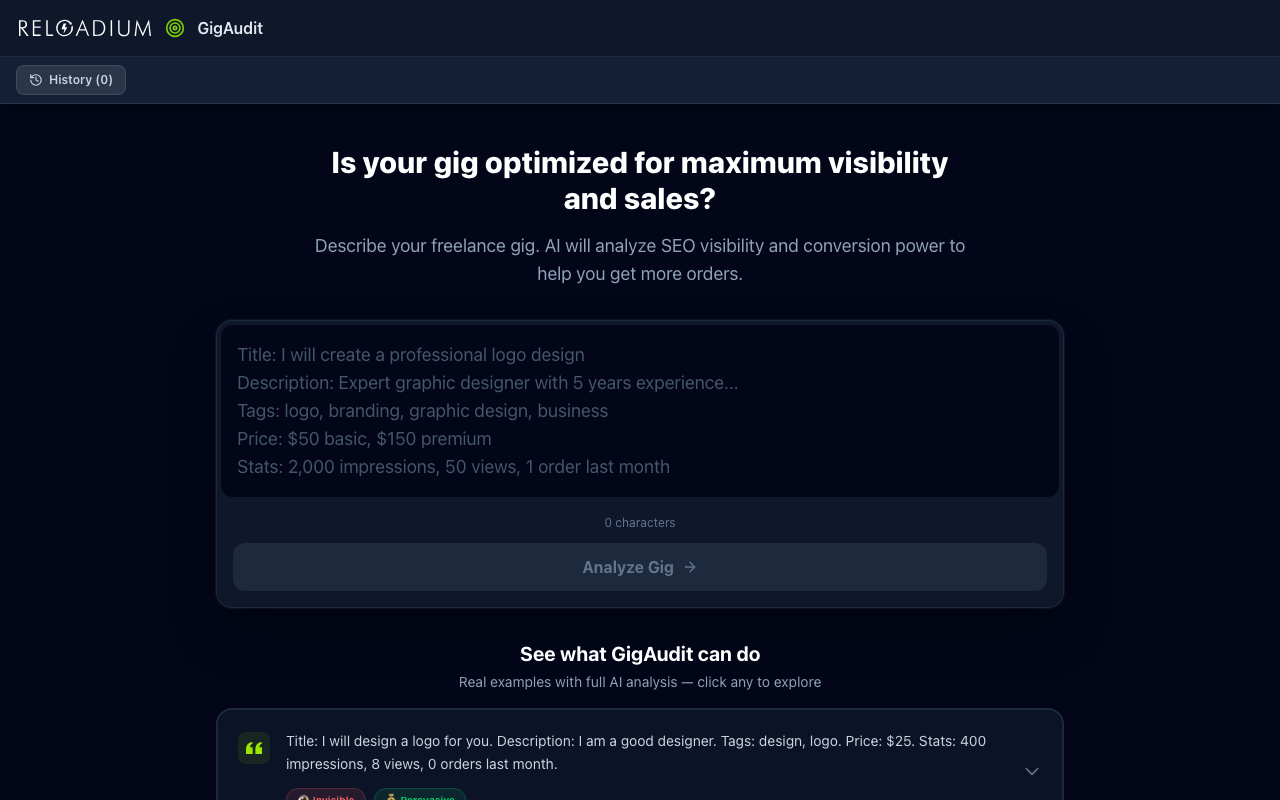
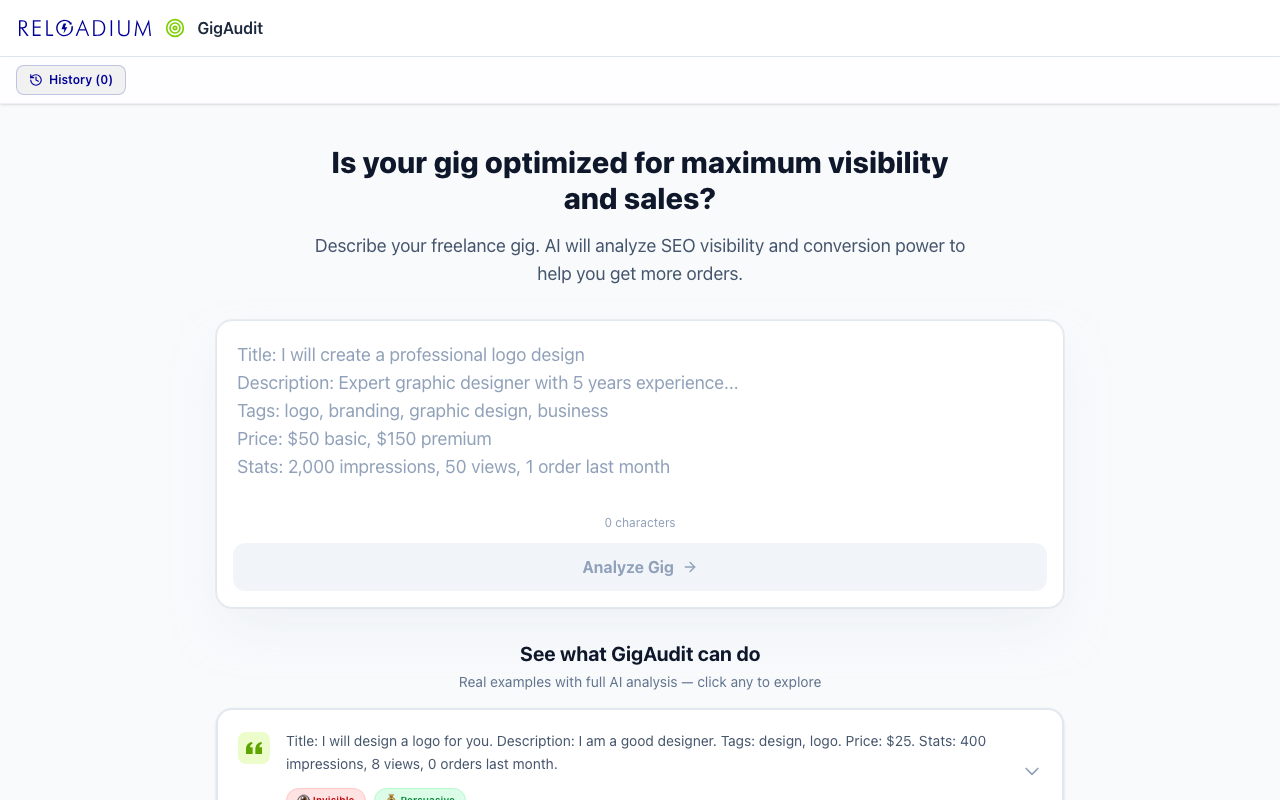
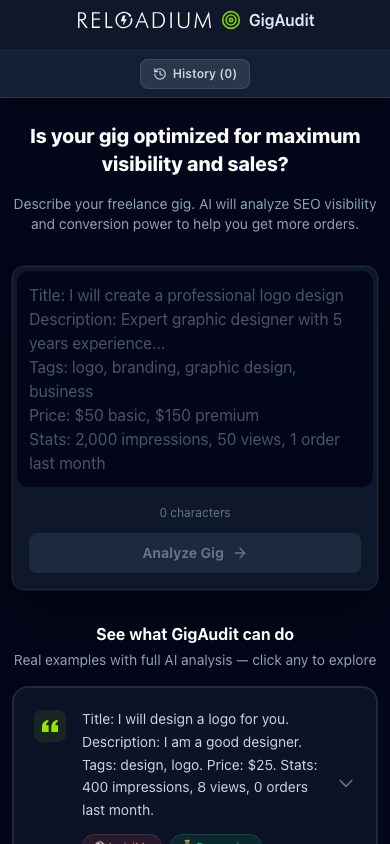
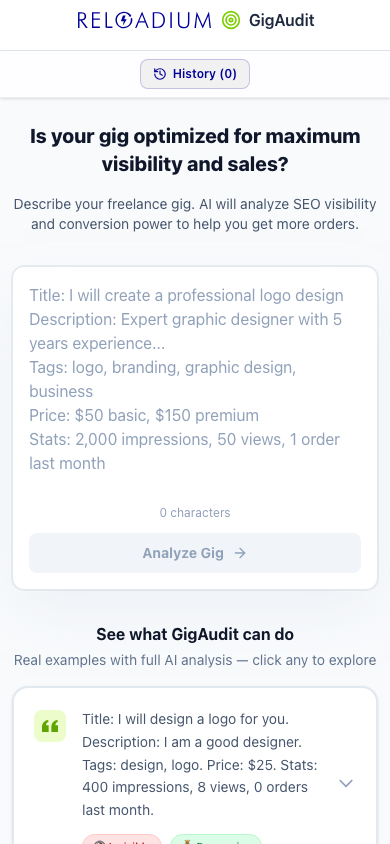
GigAudit uses AI to evaluate your freelance gig across two independent dimensions: Visibility (can buyers find you?) and Conversion (does your offer make them buy?).
Paste your gig title, description, tags, or any performance data — and get instant, specific feedback on what to fix, plus a one-click rewrite to address the issues.
Screenshots
App Screenshots
Key Features
Built-in Agentic AI Assistant
Every Reloadium app comes with a built-in agentic AI assistant. It can perform any task the app offers — just describe what you want in plain language. Attach images or documents, keep a persistent conversation history, and let the AI act on your behalf — no extra setup required.
Visibility Analysis (SEO)
Identify if your gig is Invisible (poor keywords), Discoverable (well-optimized), or Over-optimized (keyword stuffed) on Fiverr, Upwork, and similar platforms.
Conversion Analysis
Find out if your gig is Unconvincing (weak value prop), Persuasive (clear and compelling), or Over-promising (unrealistic claims that hurt trust).
One-Click Gig Optimizer
After analysis, hit Optimize to get an AI-rewritten gig description that specifically addresses your visibility and conversion issues.
Markdown Export
Export any analysis as a timestamped Markdown report to share with clients, track progress, or archive your gig evolution over time.
Gig History (IndexedDB)
All your gig analyses are saved locally using IndexedDB for reliable, quota-free storage — no sign-in required to save history.
Platform-Agnostic
Works for Fiverr, Upwork, Freelancer.com, Toptal, or any freelance marketplace. Universal visibility and conversion principles apply everywhere.
Analyze Any Webpage
Paste any URL and the AI reads the page for you. Feed in articles, competitor pages, reports, or documentation — the full content becomes context for a richer, more grounded analysis.
Upload a Document
Drop in a PDF, Markdown, or plain text file and let the AI work from your actual content. Ideal for analyzing contracts, research papers, internal reports, or any document you'd rather not copy-paste.
Zone Recognition Trainer
Sharpen your understanding of the zone matrix with AI-generated scenario drills. Read a realistic situation, pick the zone it belongs to, and get instant feedback. Scenarios are generated in your language and cached locally so you can keep practising without regenerating.
How It Works
-
1
Paste Your Gig
Paste your gig title, description, tags, pricing, and any performance metrics (impressions, views, orders, CTR) you have available.
-
2
Get Instant Analysis
AI evaluates visibility (SEO) and conversion (sales persuasion) independently, then gives you specific ratings and actionable suggestions.
-
3
Optimize in One Click
Hit Optimize to get an AI-rewritten version of your gig that directly addresses the identified visibility and conversion weaknesses.
Perfect For
Getting Views But No Orders
Your gig is discoverable but unconvincing. GigAudit pinpoints the conversion issues — weak value prop, unclear deliverables, missing trust signals.
No Views, No Orders
Your gig is invisible. GigAudit diagnoses the SEO problems — wrong keywords, bad category, generic title — and rewrites it to get found.
New Gig Launch
Before publishing a new gig, validate your copy with GigAudit to make sure it's both search-optimized and persuasively written from day one.
Coach & Trainer
Use the zone trainer to coach clients or students on how to read the matrix. Generate scenario drills, share the app, and let them practise recognising zones on their own.
Powered by Advanced AI
GigAudit is powered by Google Gemini AI and the Reloadium platform.
- Google Gemini 2.5 Flash for fast, detailed gig analysis
- Two-dimensional independent analysis: visibility and conversion scored separately
- Structured JSON output for clear, actionable ratings
- IndexedDB for reliable local gig history storage
- Firebase Authentication for secure, personalized sessions
Privacy & Data
Your gig data stays private.
- Gig descriptions are sent to the AI only when you click Analyze
- Gig history is stored locally in your browser's IndexedDB — never on our servers
- No gig content is linked to your identity or retained after the session
- You can clear your history at any time from within the app
Frequently Asked Questions
Is there a built-in AI assistant?
Which freelance platforms does GigAudit support?
What's the difference between Visibility and Conversion?
Do I need to provide performance data?
Does the Optimizer change my service category?
Can I analyze a webpage or article directly?
Can I upload a file instead of typing?
What if I don't know what to type?
What is the Zone Recognition Trainer?
From Our Blog
Fix Your Gig Today
Find out in seconds why your gig isn't converting — and get a rewrite that fixes it.
Analyze My Gig