

Turn Plain English into Expert Google Searches
Most people use Google the same way: type a few words and hope for the best. But Google supports dozens of advanced operators that dramatically narrow results — operators most users never learn. Advanced Search closes that gap.
Describe what you're looking for in natural language. Google Gemini AI translates your intent into 10 optimized search queries using operators like site:, intitle:, filetype:, "exact phrase", -exclusion, OR, after:, and before:. Each query comes with a clear explanation of the strategy so you learn while you search.
Screenshots
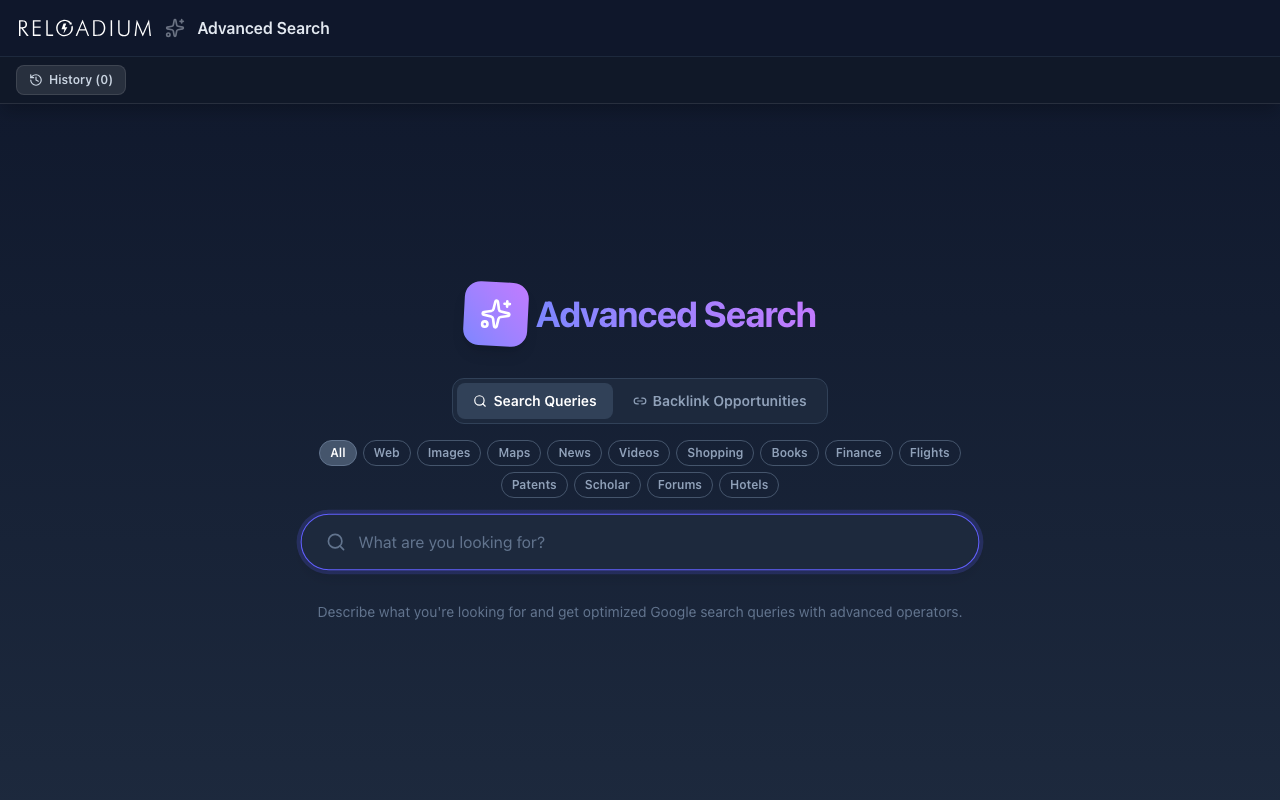
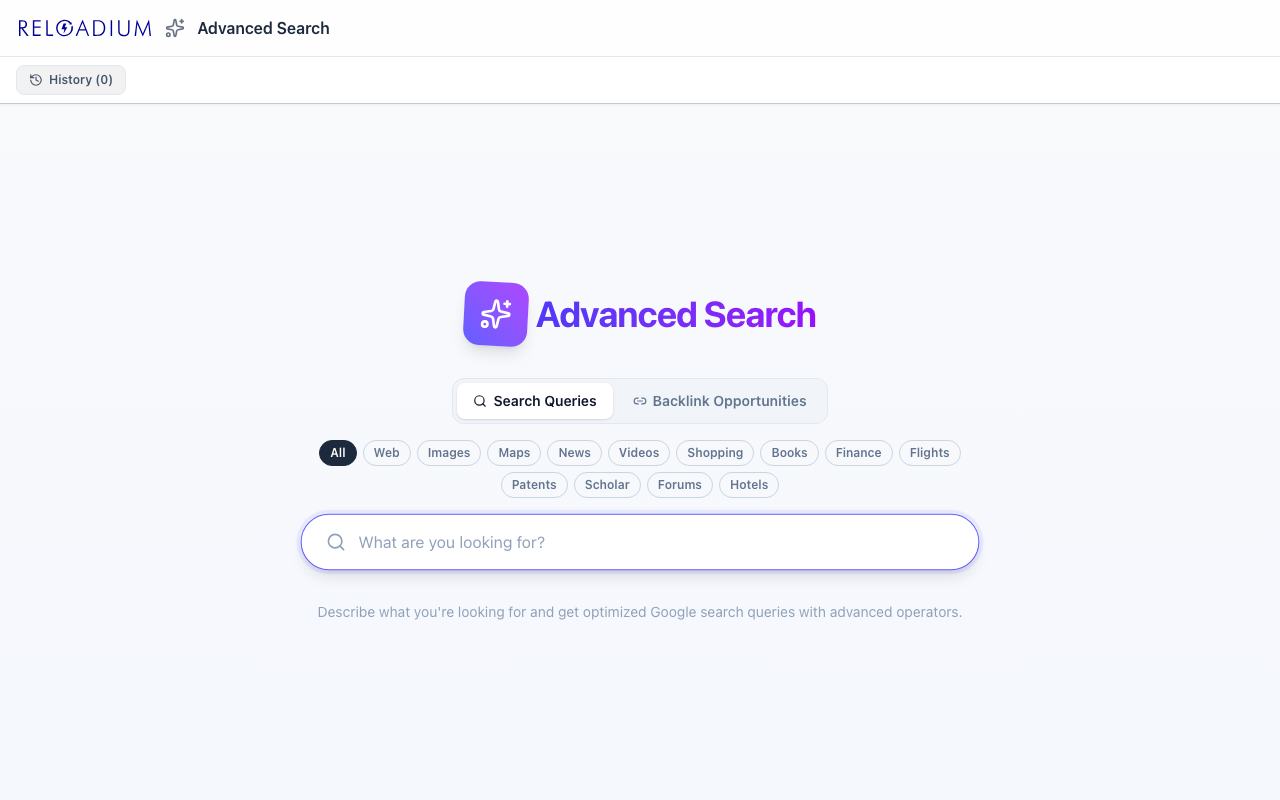
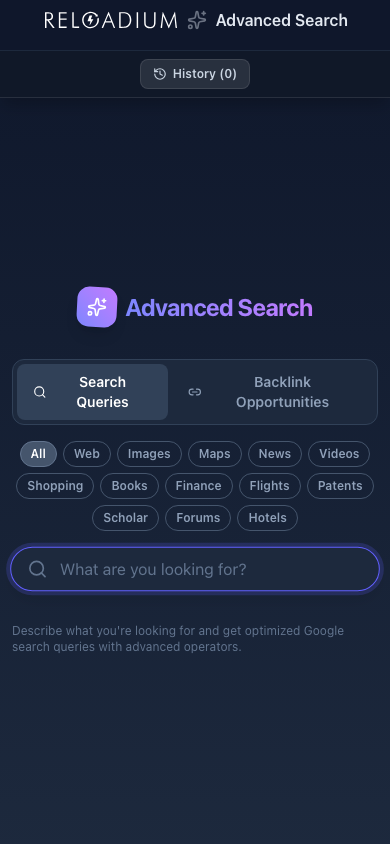
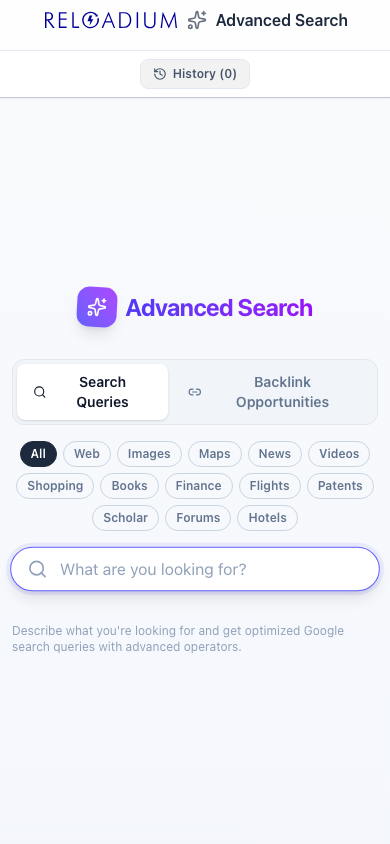
App Screenshots
Key Features
Built-in Agentic AI Assistant
Every Reloadium app comes with a built-in agentic AI assistant. It can perform any task the app offers — just describe what you want in plain language. Attach images or documents, keep a persistent conversation history, and let the AI act on your behalf — no extra setup required.
Natural Language Input
No need to know any search operators. Describe what you need the way you'd explain it to a colleague and let the AI figure out the optimal query structure.
Advanced Operator Mastery
Generates queries using site:, intitle:, inurl:, filetype:, "exact phrase", -exclusion, OR, AND, after:, and before: — the full toolkit of Google's advanced search syntax.
Multiple Query Strategies
Get 10 distinct queries per request, each targeting a different angle or source type, giving you more ways to find exactly what you need.
Plain English Explanations
Every query includes a concise explanation of which operators were used and why the strategy is effective — so you learn advanced search techniques over time.
One-Click Copy
Copy any query to your clipboard instantly, then paste it directly into Google or any search engine that supports advanced operators.
Direct Google Search
Open any generated query in Google with one click. Results open in a new tab so you can compare strategies without losing your place.
Generate More Without Repeats
Hit Generate More at any time to expand your results. The AI receives the full list of already-generated queries and produces entirely new strategies — no duplicates, no near-variations of what you already have.
Search History
Every search is saved locally so you can revisit past queries without regenerating them. Open History from the header to browse and reload any previous session in one tap.
Backlink Analysis
Paste any URL and the AI fetches the page content, extracts its metadata (title, description, keywords, JSON-LD schema), then generates targeted search queries to find sites most likely to link to that kind of content.
Markdown Page Preview
Before running analysis, inspect the extracted page content as rendered markdown or raw text. Copy it to your clipboard or download it as a .md file for use in other tools.
Ready-to-Send Outreach Emails
Every backlink opportunity comes with a ready-to-send outreach email tailored to the query context. The email includes the exact page URL, uses natural phrasing with no brackets or placeholders, and can be opened directly in your mail client with one click — subject and body pre-filled.
How It Works
-
1
Describe Your Goal
Type what you're looking for in plain English — be as specific as you like. The AI understands context, purpose, and source preferences.
-
2
AI Generates Optimized Queries
Gemini analyzes your intent and crafts 10 search queries using the most effective combination of advanced Google operators for your use case.
-
3
Read the Explanations
Each result card shows the query and explains the strategy: which operators were used, why they were chosen, and what results to expect.
-
4
Search or Copy
Click "Search on Google" to open the query directly, or copy it to use in any tool. Hit Generate More to get additional strategies that don't repeat any query already shown.
Perfect For
Developers
Find official docs, GitHub repos, changelogs, or Stack Overflow answers fast. Operators like site:github.com or filetype:md pinpoint technical sources.
Researchers
Narrow results to academic institutions, PDFs, or specific date ranges. Operators like site:edu, filetype:pdf, and after:2023 eliminate noise.
Professionals
Find industry reports, competitor data, job postings, or press releases using targeted operator combinations that keyword search alone misses.
Curious Learners
Discover authoritative sources on any topic. The AI picks the right strategy whether you're looking for tutorials, forums, official docs, or news.
Powered by Advanced AI
Advanced Search uses Google Gemini to translate intent into syntax:
- Google Gemini 2.5 Flash generates optimized queries using structured JSON output
- Prompt includes few-shot examples to ensure accurate operator usage across all model sizes
- Estimate endpoint previews credit cost before generation using the exact same model config
- Generate More button appends fresh query strategies without repeating any already-generated results
- Search history saved locally — revisit and reload any past session in one tap
- Zero-thinking-budget mode minimizes latency for fast results
- Results open directly in Google Search — no intermediary redirect layer
- Backlink Analysis tab fetches any URL server-side, extracts markdown, title, meta description, keywords, and JSON-LD schema types
- AI uses all extracted signals — not just body text — to generate the most relevant backlink opportunity queries
- SPA detection: JavaScript-rendered pages fall back to bundle extraction with a visual JS bundle badge
- Each backlink result includes a ready-to-send outreach email with the real page URL embedded — no placeholders, opens directly in any mail client via mailto:
Privacy & Data
Your privacy matters to us:
- Search descriptions are processed securely through our authenticated API
- Firebase Authentication ensures only authorized users access the service
- Search history is stored only in your browser's local IndexedDB — never sent to any server
- All API calls are logged only for credit tracking and service improvement
Frequently Asked Questions
Is there a built-in AI assistant?
Is Advanced Search free?
How is this different from just searching Google?
Do I need to know search operators to use this?
Can I use the queries in tools other than Google?
How many queries does it generate per search?
What is Backlink Analysis?
Does it work on JavaScript-rendered (SPA) pages?
Does each backlink result include an outreach email?
Does it work on mobile?
Can I see my past searches?
What does "Generate More" do?
From Our Blog
Search Like an Expert
Describe what you need in plain English. Get optimized Google queries with advanced operators — explained.
Launch Advanced Search