

One Hub. One AI. 40+ Tools.
Describe your goal in plain language. The AI picks the right tools, runs them in sequence, and delivers a coordinated result — no tab-switching, no copy-pasting. That's the agentic assistant built into every single Reloadium app across a suite of 40+ specialized tools: finance audits, trip planning, translation, incident response, virality modeling, and more.
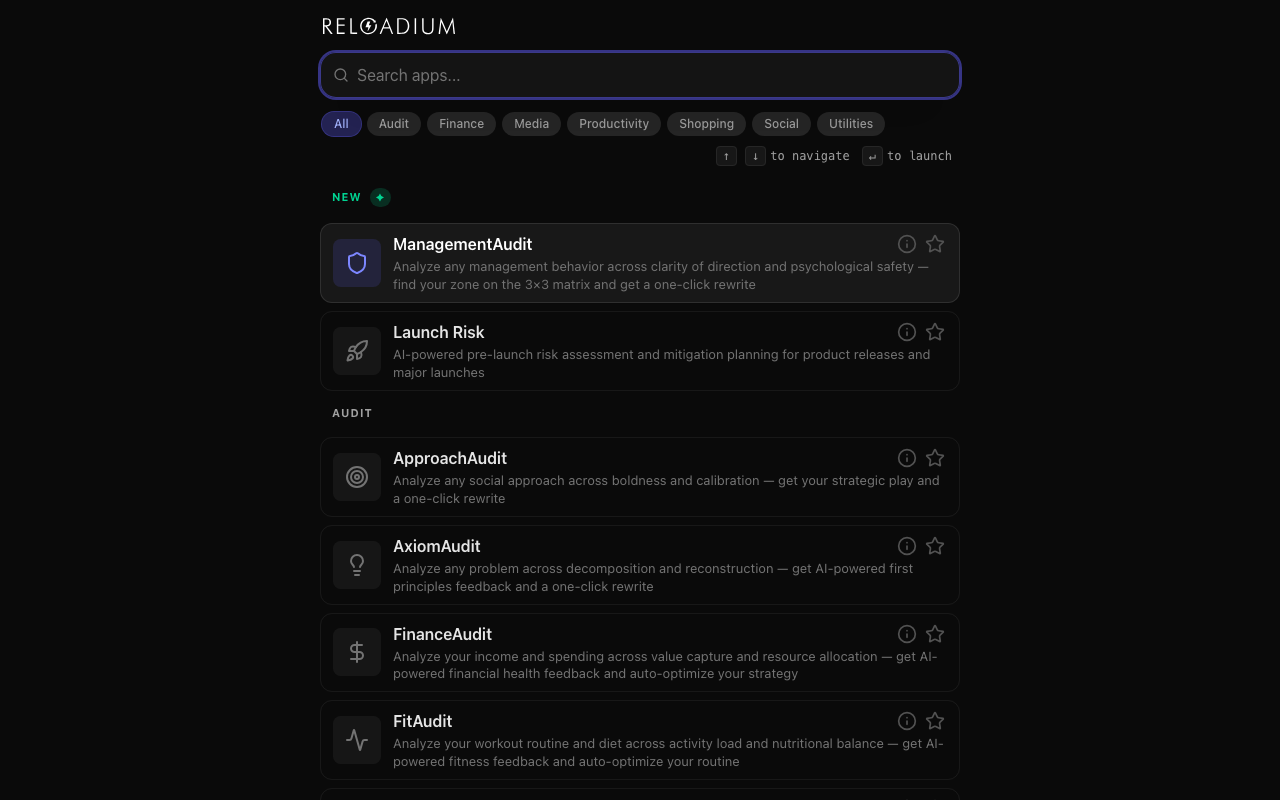
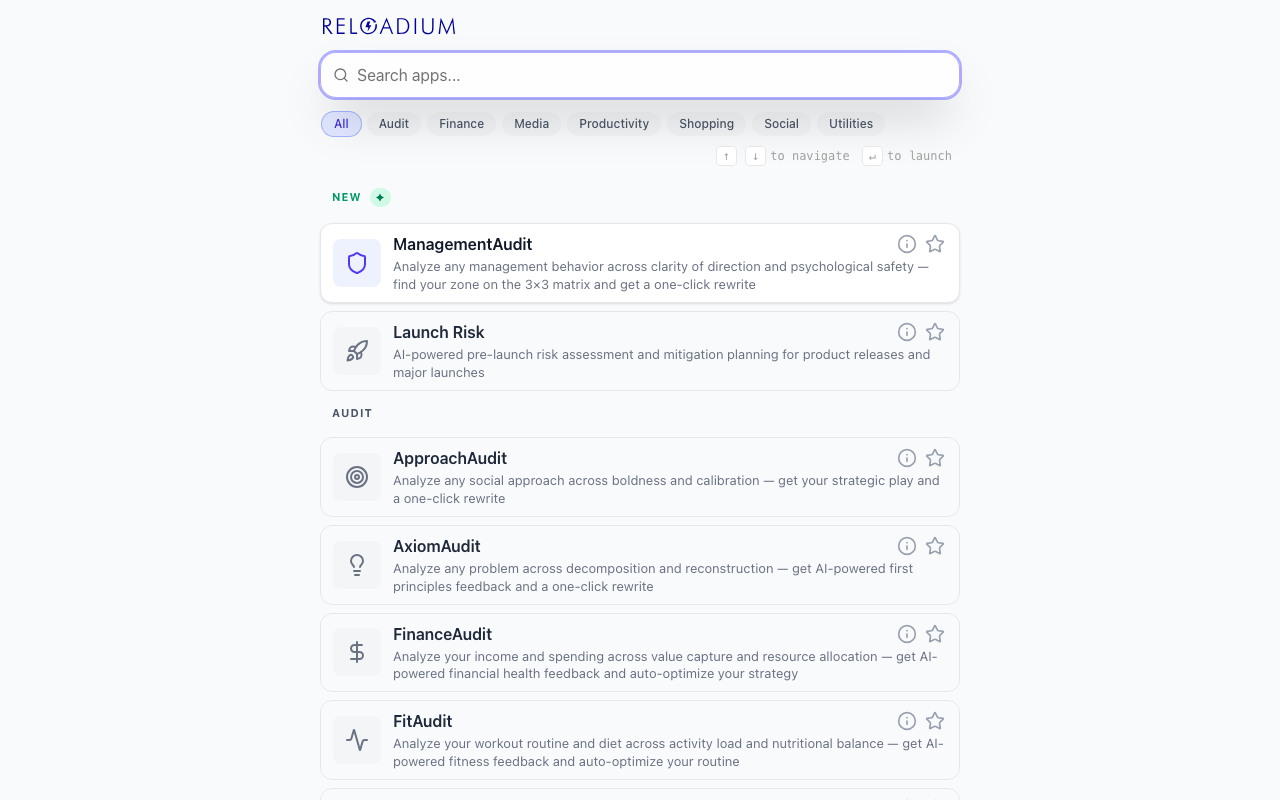
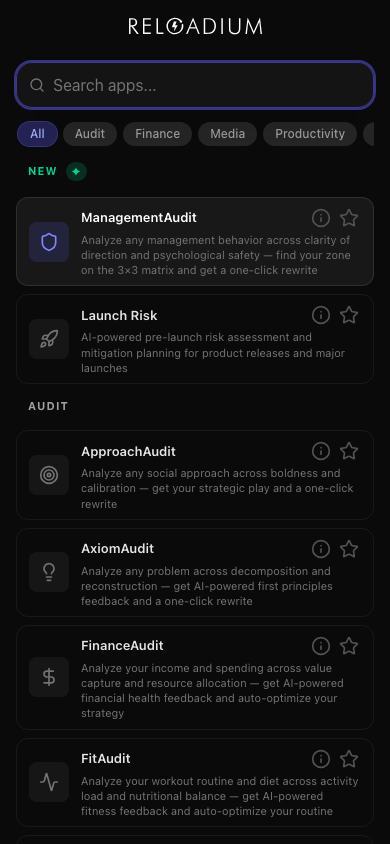
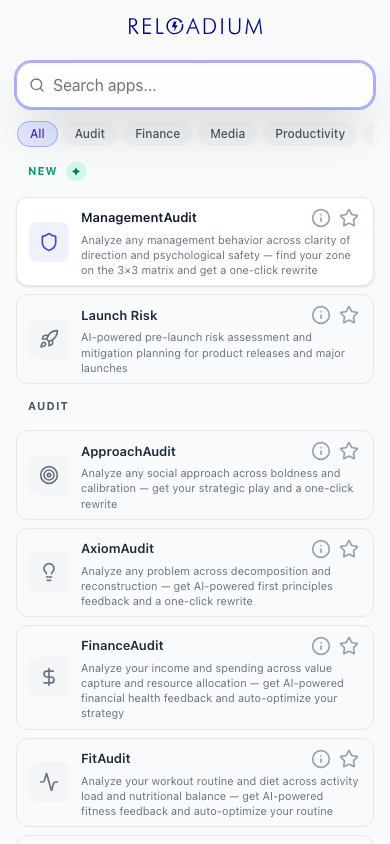
The Launcher is the front door to the suite. Search by name, category, or keyword to find any of the 45 apps instantly. Pin your favorites, track what you use most, and navigate the entire catalog from one fast, keyboard-friendly interface.
45 apps. One conversation.
Everything Reloadium offers, orchestrated by a single AI assistant.
Screenshots
App Screenshots
Key Features
Cross-Suite Agentic AI Assistant
Every Reloadium app ships with a built-in agentic AI assistant that can invoke any tool in the entire suite from a single conversation. Describe what you need in plain language — translate, audit, analyze, plan, generate — and the AI orchestrates the right tools automatically.
Fuzzy Smart Search
Find any app instantly by typing its name, category, or keywords. Powered by Fuse.js, the search is forgiving of typos and finds what you mean, not just what you type.
Favorites & Bookmarks
Pin the apps you use most to the top of your dashboard. Your favorites are always one click away.
Usage Tracking
The Launcher remembers which apps you launch most frequently and surfaces them in a dedicated Most Used section, so your workflow stays fast.
Full Keyboard Navigation
Navigate the entire app catalog with arrow keys, launch apps with Enter, and clear your search with Escape — no mouse required.
Organized by Category
Apps are grouped into categories like Productivity, Finance, Social, and Media, making it easy to browse and discover new tools.
Multi-Language Interface
The Launcher supports multiple languages through i18n, adapting to your browser's preferred language for a native feel.
How It Works
-
1
Open the Launcher or Any App
Start from the Launcher to browse the full suite, or jump straight into any Reloadium app. The agentic AI assistant is available in every single one — you're never more than one click from it.
-
2
Describe What You Need
Open the chat sidebar and type your goal in plain language — no commands, no menus. "Audit my business finances", "plan a 5-day trip to Lisbon", "translate this doc and find local events" — the AI figures out which tools to use.
-
3
The AI Orchestrates Your Tools
The agentic AI picks the right Reloadium tools, runs them in sequence, and feeds the output of one into the next. You get a coordinated result — not a list of links to open yourself.
-
4
Review, Refine, and Share
The AI's response is right there in the conversation. Ask follow-up questions, request changes, or export the result. Your full conversation history is saved locally so you can pick up where you left off.
Perfect For
Full Business Audit by Chat
Tell the AI to audit your business — it chains Finance Audit, Management Audit, Process Audit, and Value Audit automatically, then summarizes the findings in one report. No manual tool-hopping.
Plan a Trip End-to-End
Ask the AI to plan a trip: it uses Trip Planner for the itinerary, Events Map for local activities, Recipes for regional cuisine ideas, and Price Atlas to estimate costs — in a single conversation.
Research, Write, Translate — In One Thread
Use Advanced Search to pull sources, Notes to draft the content, and Translate to localize it — all by describing the task to the AI. It coordinates the tools so you don't have to.
Incident Response to Postmortem
When something breaks, describe the incident to the AI. It runs Incident Response for triage, Edge Case Debugger for root cause, and Postmortems to generate the writeup — without switching tabs.
Viral Strategy in Minutes
Describe your product to the AI and it runs Virality Audit, Instavibe Simulator, and Flashboards to model growth scenarios and surface your strongest acquisition levers automatically.
Powered by Advanced AI
Reloadium Launcher and every app in the suite are built with modern web technologies for speed, reliability, and seamless AI integration.
- Gemini AI for agentic tool orchestration — the model decides which tools to call and chains them automatically
- WebMCP tool registry — each app exposes its capabilities as structured tools the AI can invoke at runtime
- React 19 with Vite for fast, responsive UI across all apps
- Fuse.js fuzzy search engine for instant app filtering in the Launcher
- Firebase Authentication with real-time credit tracking
- IndexedDB for local persistence of conversation history, favorites, and usage data
Privacy & Data
Your data stays on your device. We built the suite to work without surveillance.
- Conversation history is stored locally in IndexedDB — never sent to our servers
- Favorites, usage data, and sidebar preferences are stored locally in your browser
- Firebase Auth is used only for sign-in and credit display — no behavioral tracking
- Dark mode and language preferences are saved locally and never shared
Frequently Asked Questions
What is Reloadium Launcher?
Do I need an account to use the Launcher?
How does the search work?
Are my favorites saved if I clear my browser?
Can I use keyboard shortcuts?
How do I add a new app to the Launcher?
Is there a built-in AI assistant?
Start with Any App. Let the AI Do the Rest.
Open the Launcher, pick a tool — or just describe what you need and let the agentic AI route you there.
Open Launcher