

Systematic Debugging Guidance for Complex Technical Issues
Reloadium Edge Case Debugger is an AI-powered debugging assistant that helps developers systematically analyze and resolve complex technical issues, edge cases, and hard-to-reproduce bugs. Whether you're dealing with intermittent failures, race conditions, or mysterious system behavior, our AI provides structured debugging strategies.
Built on proven debugging methodologies and software engineering best practices, the tool guides you through systematic reproduction steps, checking procedures, and resolution strategies while offering emergency workarounds and prevention measures.
Screenshots
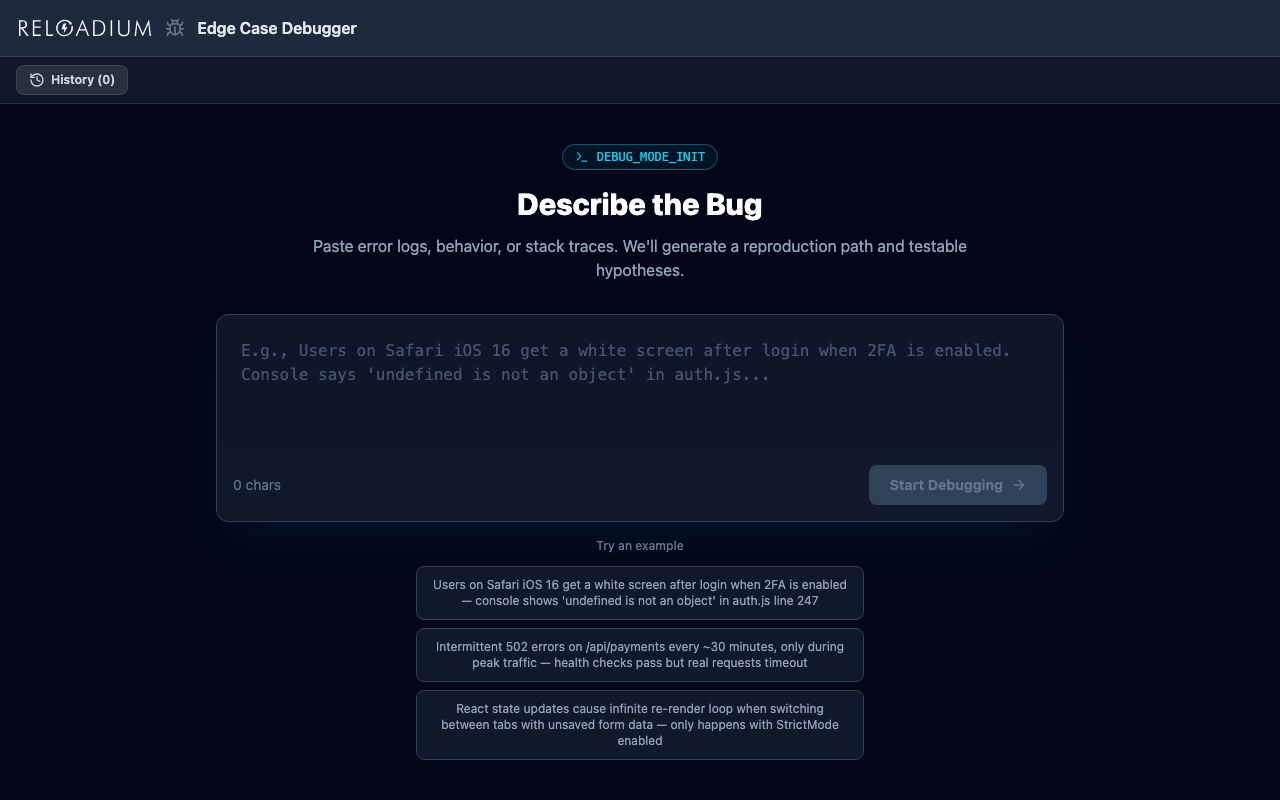
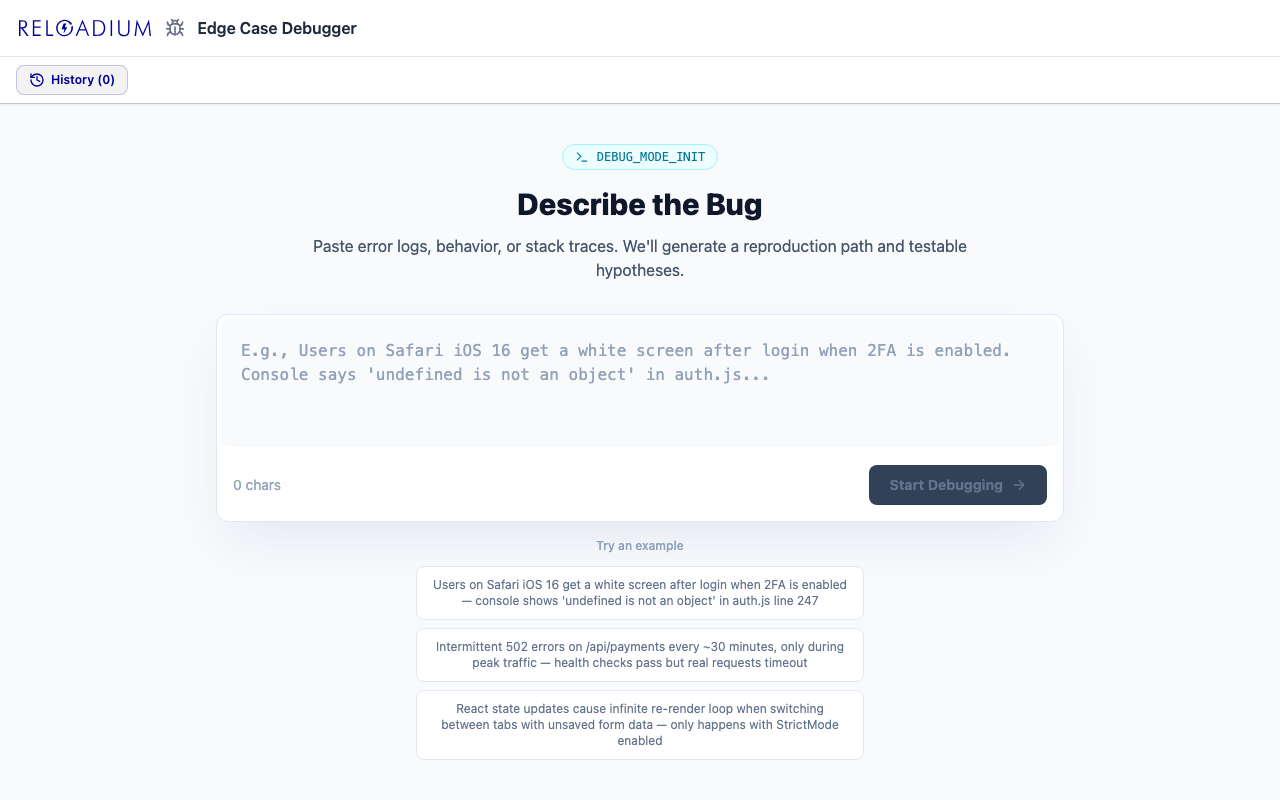
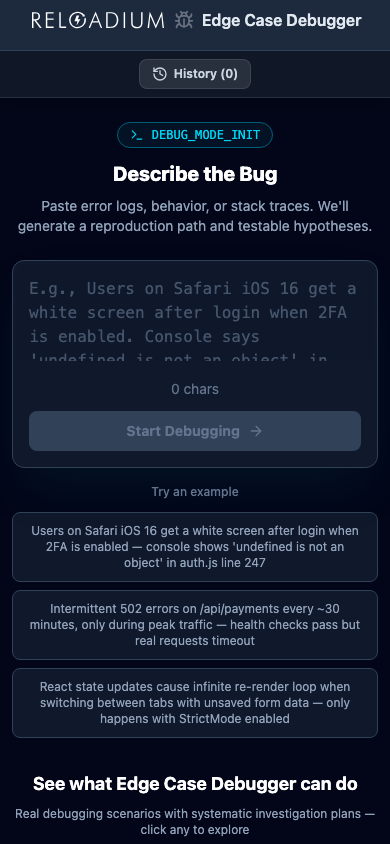
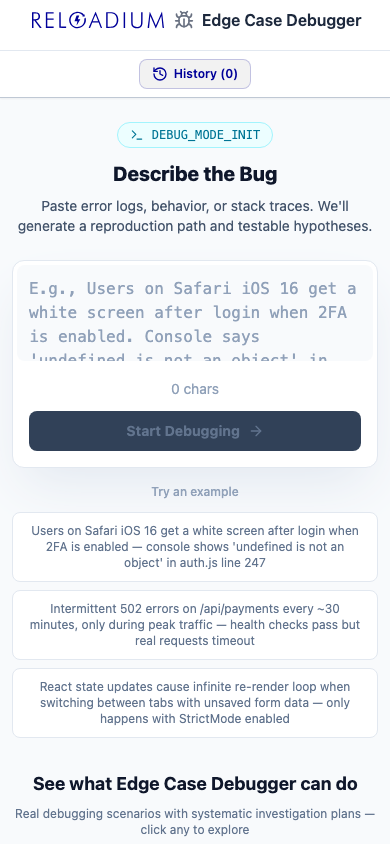
App Screenshots
Key Features
Built-in Agentic AI Assistant
Every Reloadium app comes with a built-in agentic AI assistant. It can perform any task the app offers — just describe what you want in plain language. Attach images or documents, keep a persistent conversation history, and let the AI act on your behalf — no extra setup required.
Strategic Debugging Analysis
AI analyzes your technical issue and creates a comprehensive debugging strategy tailored to the specific problem domain and symptoms.
Systematic Reproduction Steps
Step-by-step procedures to reliably reproduce the issue, isolate variables, and create minimal reproducible test cases.
Checking Procedures
Systematic verification steps to test hypotheses, validate assumptions, and methodically narrow down the root cause.
Emergency Workarounds
Immediate mitigation strategies and quick fixes to restore functionality while you work on the permanent solution.
Prevention Measures
Long-term prevention strategies, code improvements, and monitoring recommendations to avoid similar issues in the future.
Debug Session History
Save and organize debugging sessions to build your team's knowledge base and reference successful resolution strategies.
Analyze Any Webpage
Paste any URL and the AI reads the page for you. Feed in articles, competitor pages, reports, or documentation — the full content becomes context for a richer, more grounded analysis.
Upload a Document
Drop in a PDF, Markdown, or plain text file and let the AI work from your actual content. Ideal for analyzing contracts, research papers, internal reports, or any document you'd rather not copy-paste.
Guided Questionnaire
Not sure how to describe your situation? Switch to Guide mode and answer a short series of focused questions. The AI turns your answers into a structured, detailed input — so you always get a high-quality analysis even when starting from scratch.
How It Works
-
1
Describe the Technical Issue
Input details about your bug, edge case, or technical problem including symptoms, environment, and any error messages.
-
2
Generate Debugging Strategy
AI analyzes your issue and creates a systematic debugging approach with hypothesis-driven investigation methods.
-
3
Follow Reproduction Steps
Work through systematic reproduction procedures to isolate the problem and create reliable test cases.
-
4
Execute Checking Procedures
Apply methodical verification steps to test hypotheses and systematically narrow down the root cause.
-
5
Implement Solution & Prevention
Apply the resolution strategy and implement prevention measures to avoid similar issues in the future.
Perfect For
Intermittent Bugs
Debug hard-to-reproduce issues that occur sporadically or under specific timing conditions and environmental factors.
Performance Issues
Analyze performance bottlenecks, memory leaks, and optimization problems with systematic profiling and testing strategies.
Integration Problems
Resolve complex issues involving multiple systems, APIs, or services with systematic isolation and testing approaches.
Data Corruption Issues
Debug data integrity problems, corruption scenarios, and inconsistent state issues with methodical analysis.
Environment-Specific Bugs
Resolve issues that only occur in specific environments like production, staging, or particular client configurations.
Legacy System Issues
Navigate complex debugging scenarios in legacy codebases with limited documentation and unclear system behavior.
Powered by Advanced AI
Reloadium Edge Case Debugger is built on proven debugging methodology:
- Google Gemini 2.5 Flash for comprehensive analysis of technical issues across multiple technology domains
- Systematic debugging frameworks including hypothesis-driven investigation and methodical root cause analysis
- Reproduction strategy planning to create reliable test cases and isolate problem variables
- Emergency response protocols to provide immediate workarounds while pursuing permanent solutions
- Privacy-first processing — technical details are analyzed only to generate debugging guidance and never stored permanently
- Firebase Authentication for secure, privacy-respecting user management and session history
- Real-time credit estimation to understand costs before generating each debugging analysis
Privacy & Data
We protect your technical and proprietary information:
- Technical details and code snippets are processed only to generate debugging guidance and are never stored on our servers
- Each debugging session is independent — no technical data is retained between sessions for privacy
- Proprietary code, system architecture, and implementation details remain completely confidential during AI processing
- Debugging plans and session history are stored locally in your browser's IndexedDB for quick access only
- Firebase Authentication provides secure, privacy-respecting user management
- No technical data or code information is used for AI training or shared with third parties
Frequently Asked Questions
Is there a built-in AI assistant?
What types of technical issues can this help debug?
How systematic is the debugging approach?
Can this replace expert debugging knowledge?
How does this handle proprietary code issues?
Are the workarounds safe to implement?
Can I use this for team debugging sessions?
Can I analyze a webpage or article directly?
Can I upload a file instead of typing?
What if I don't know what to type?
From Our Blog
How to Reproduce Bugs Effectively: Step-by-Step
Learn how to effectively reproduce bugs with clear, step-by-step instructions. Master bug reproduction steps for faster debugging and efficient issue resolution in 2026.
Systematic Debugging Claude Skill: A Complete Guide
Master systematic debugging with our Claude skill guide. Learn step-by-step techniques to tackle complex issues and reproduce bugs effectively in 2026.
Ready to Debug Complex Issues Systematically?
Get structured debugging guidance and resolution strategies for your toughest technical problems.
Start Debugging